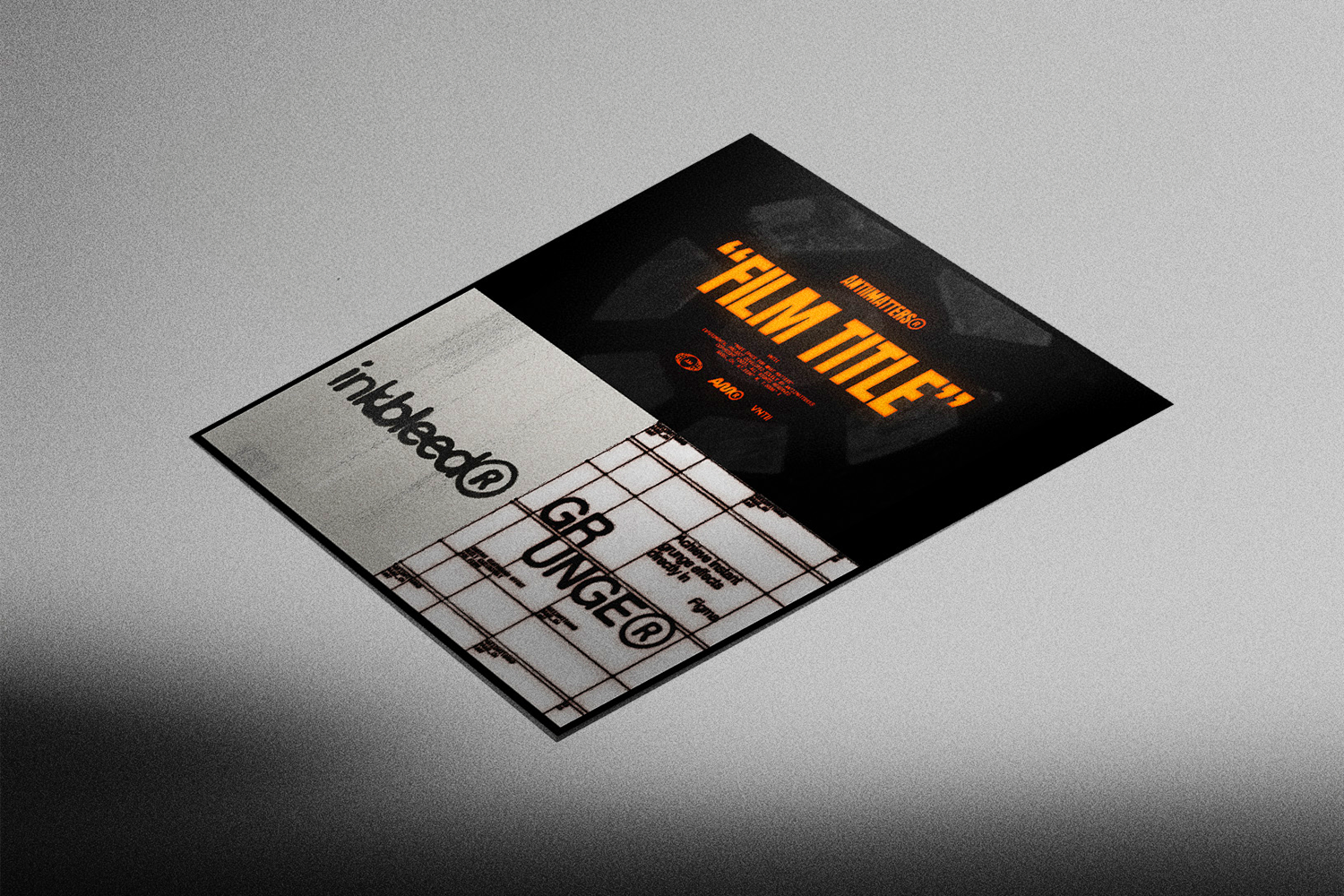
 Image 1 of 15
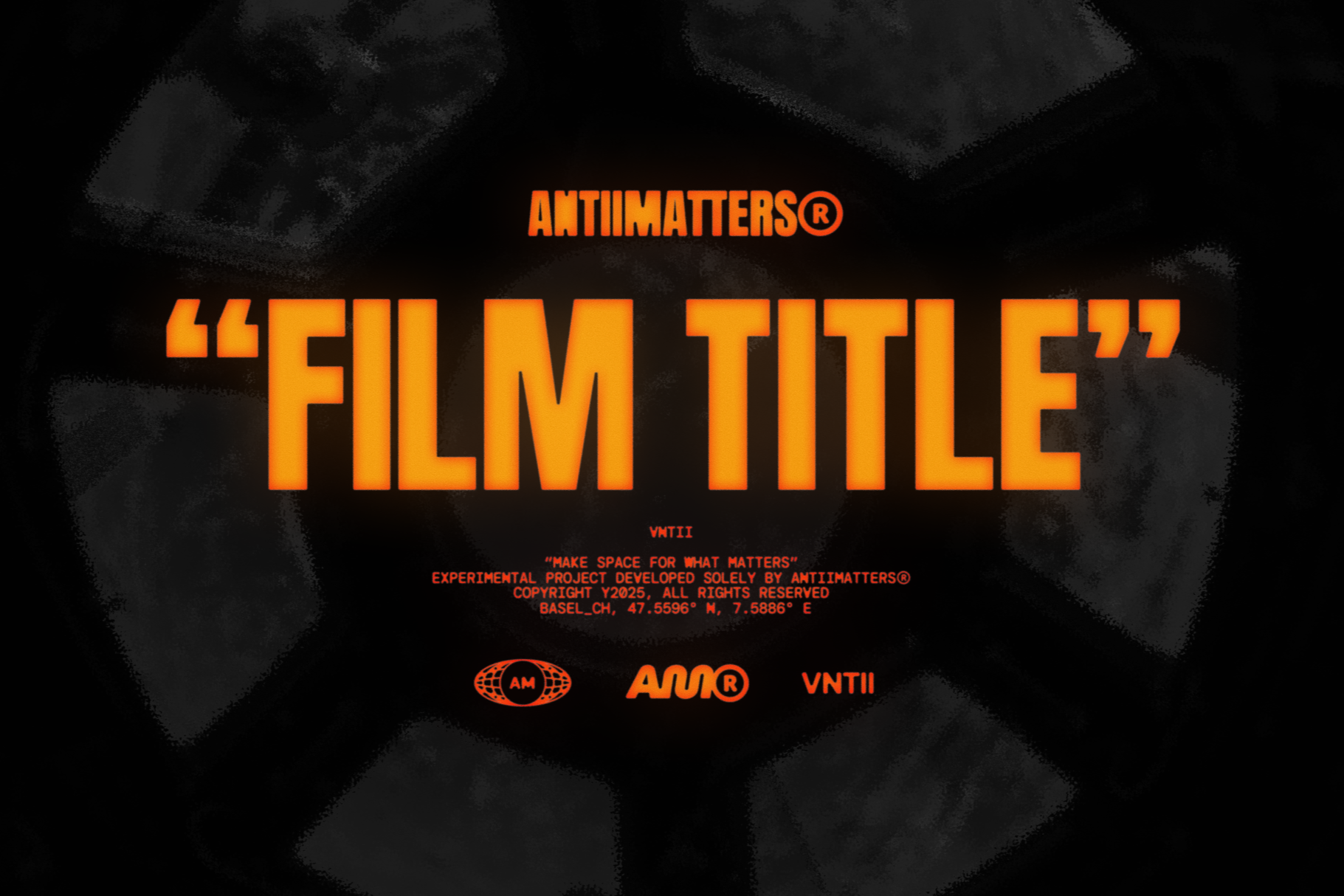 Image 2 of 15
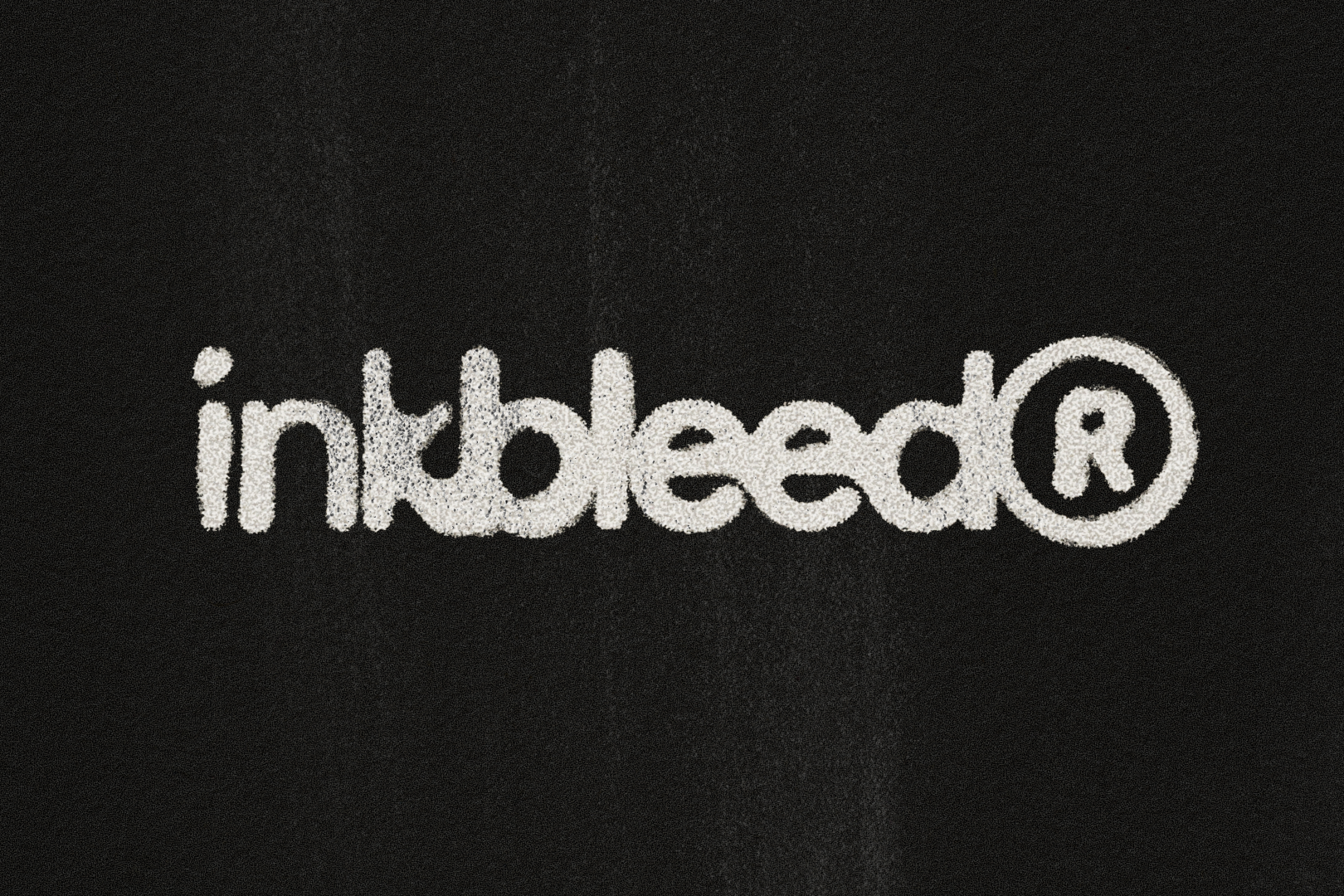 Image 3 of 15
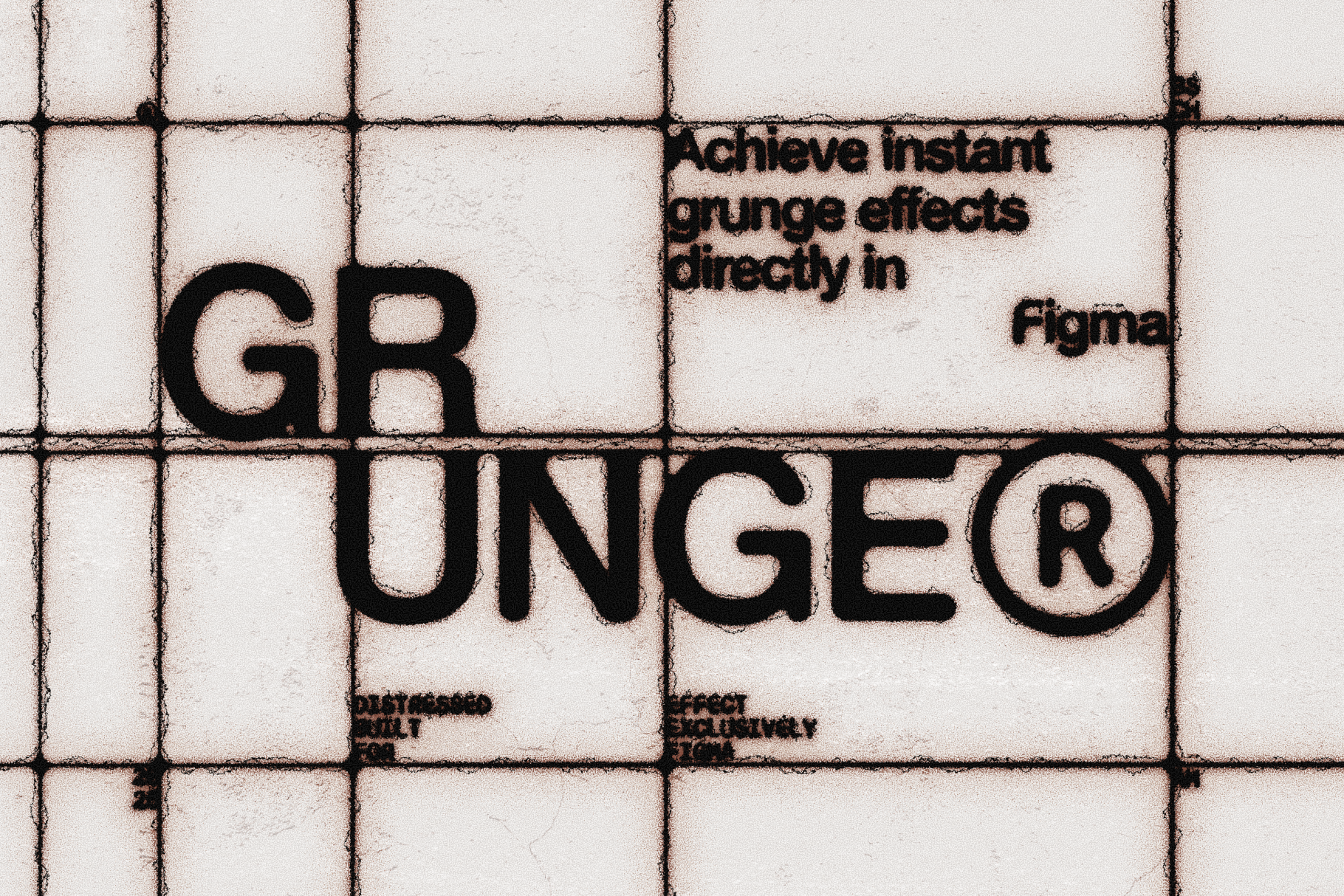 Image 4 of 15
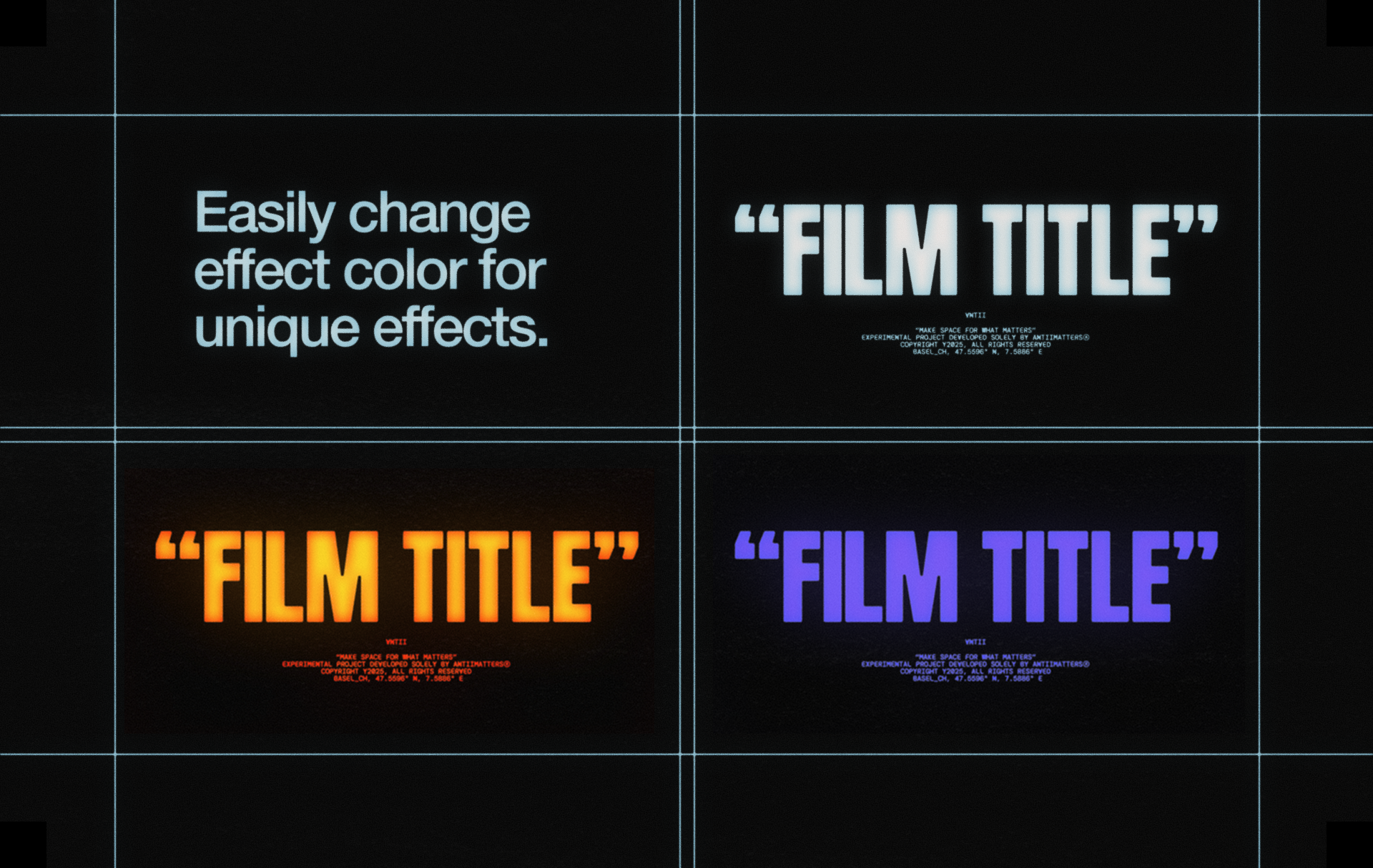 Image 5 of 15
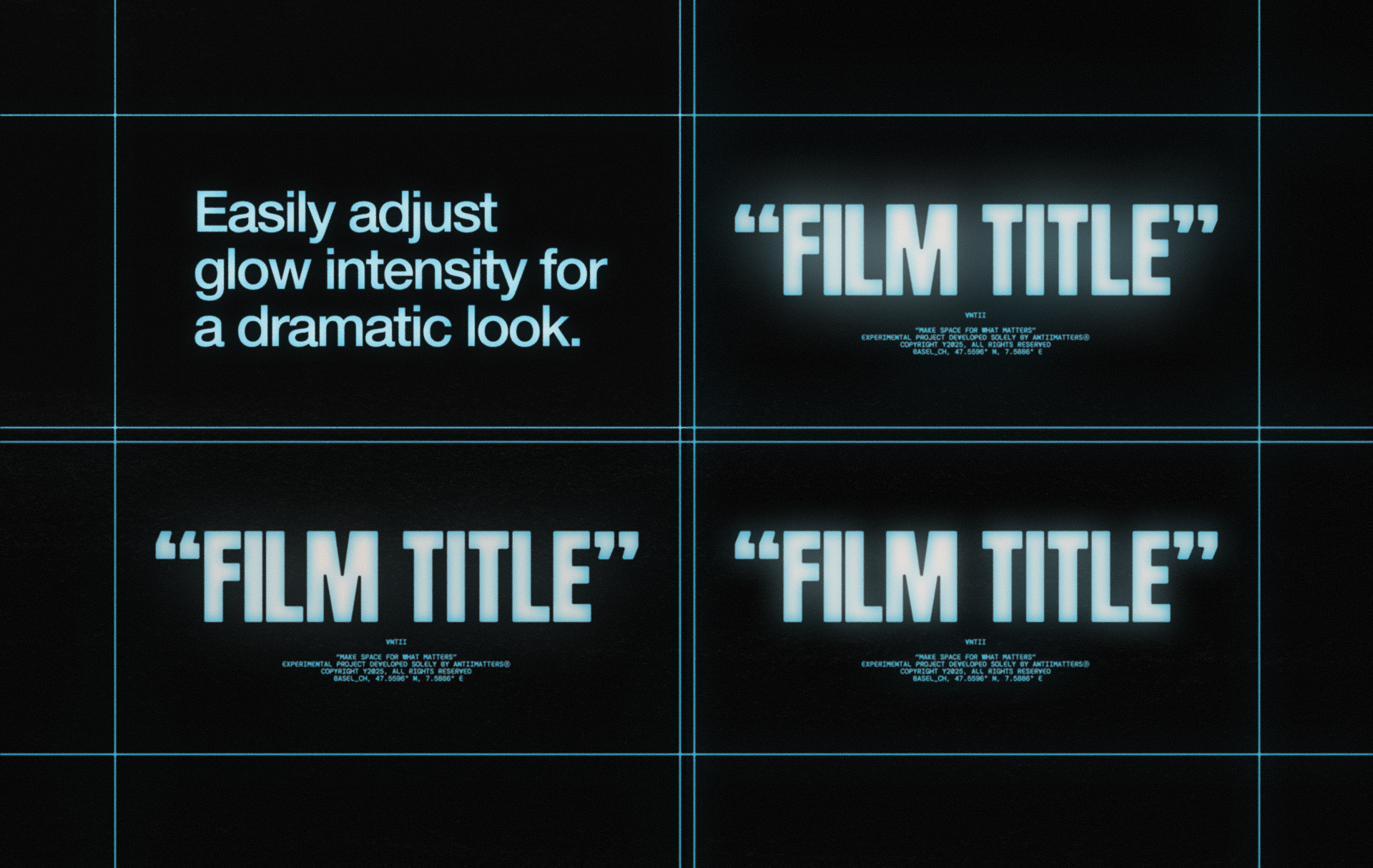 Image 6 of 15
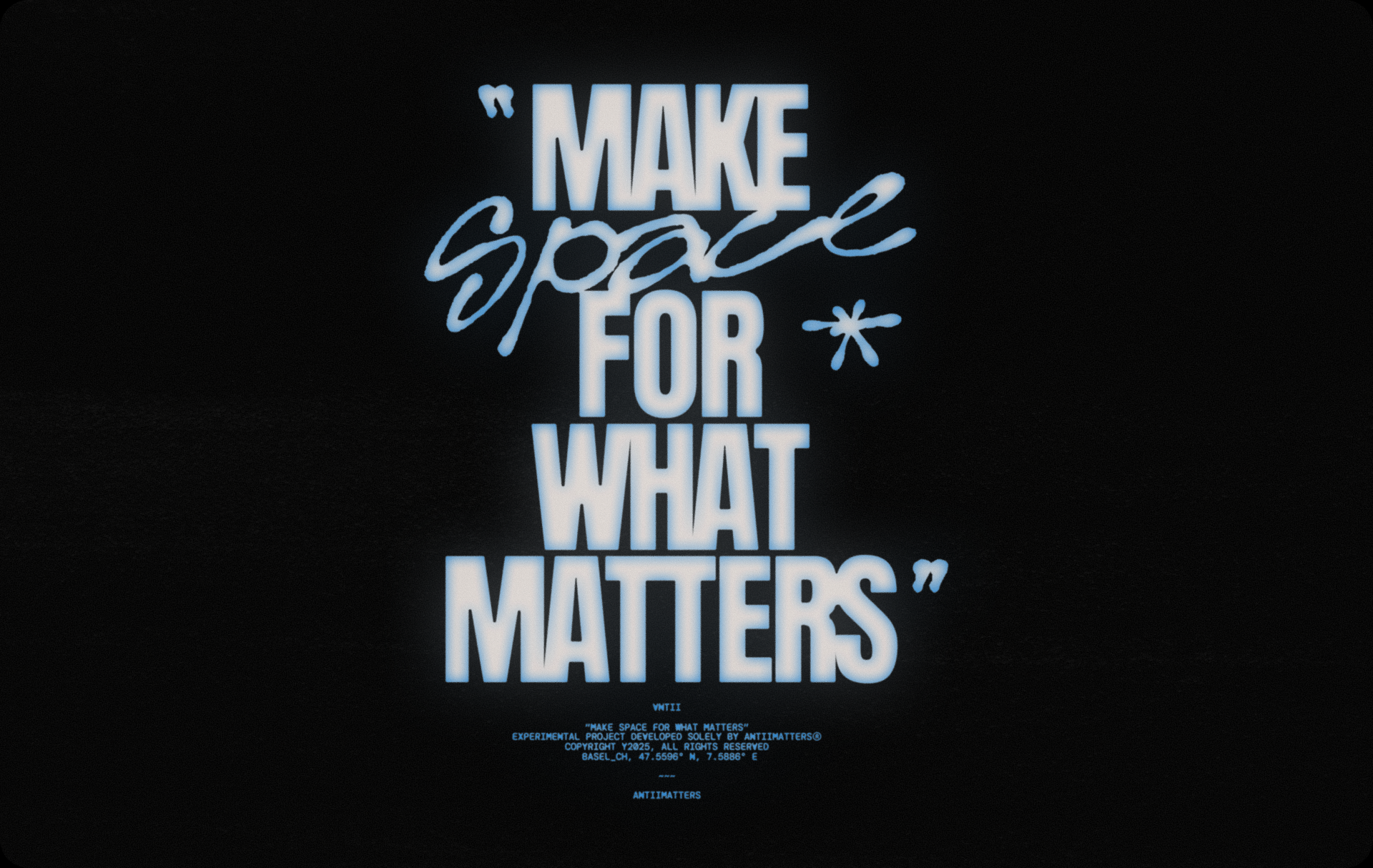 Image 7 of 15
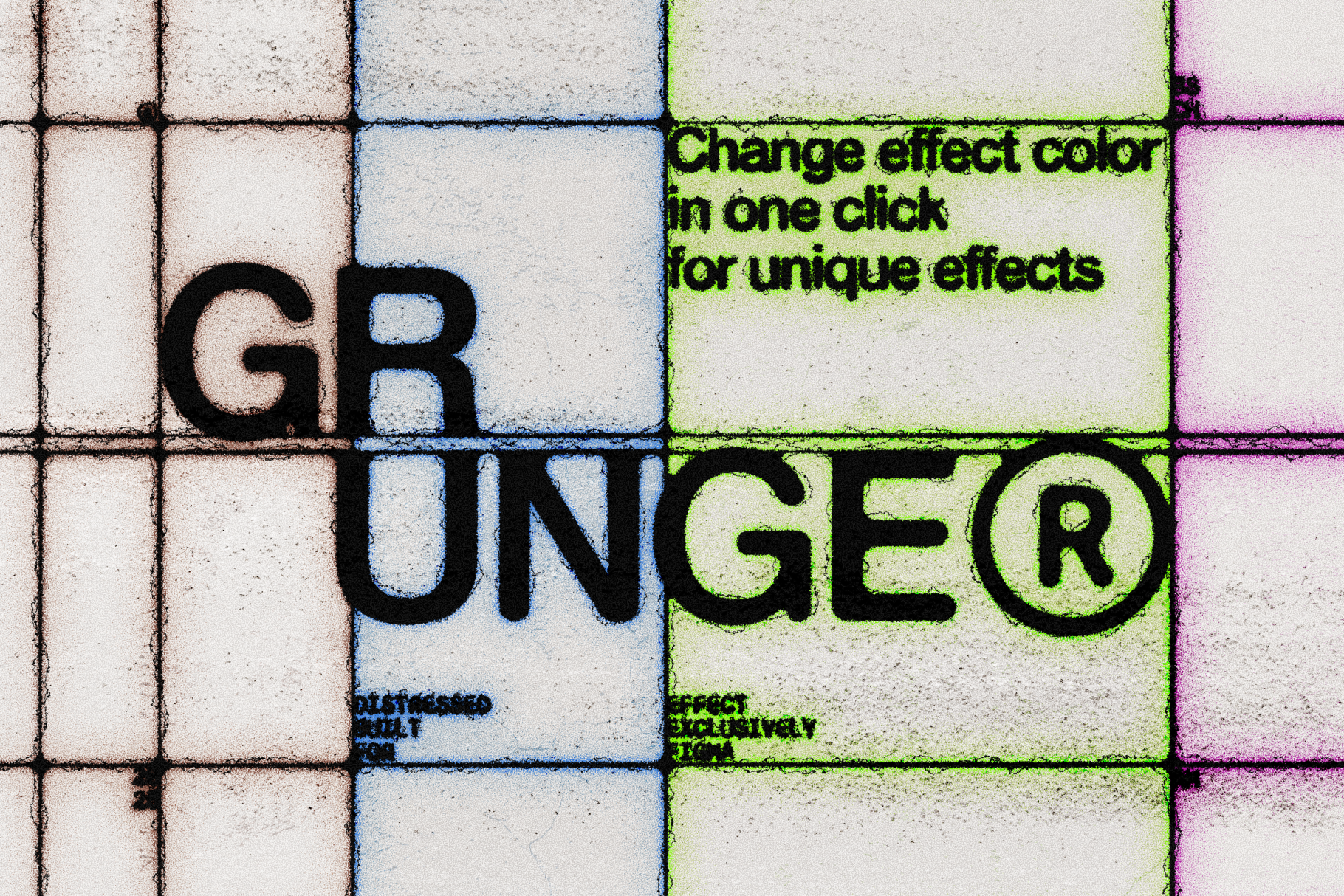 Image 8 of 15
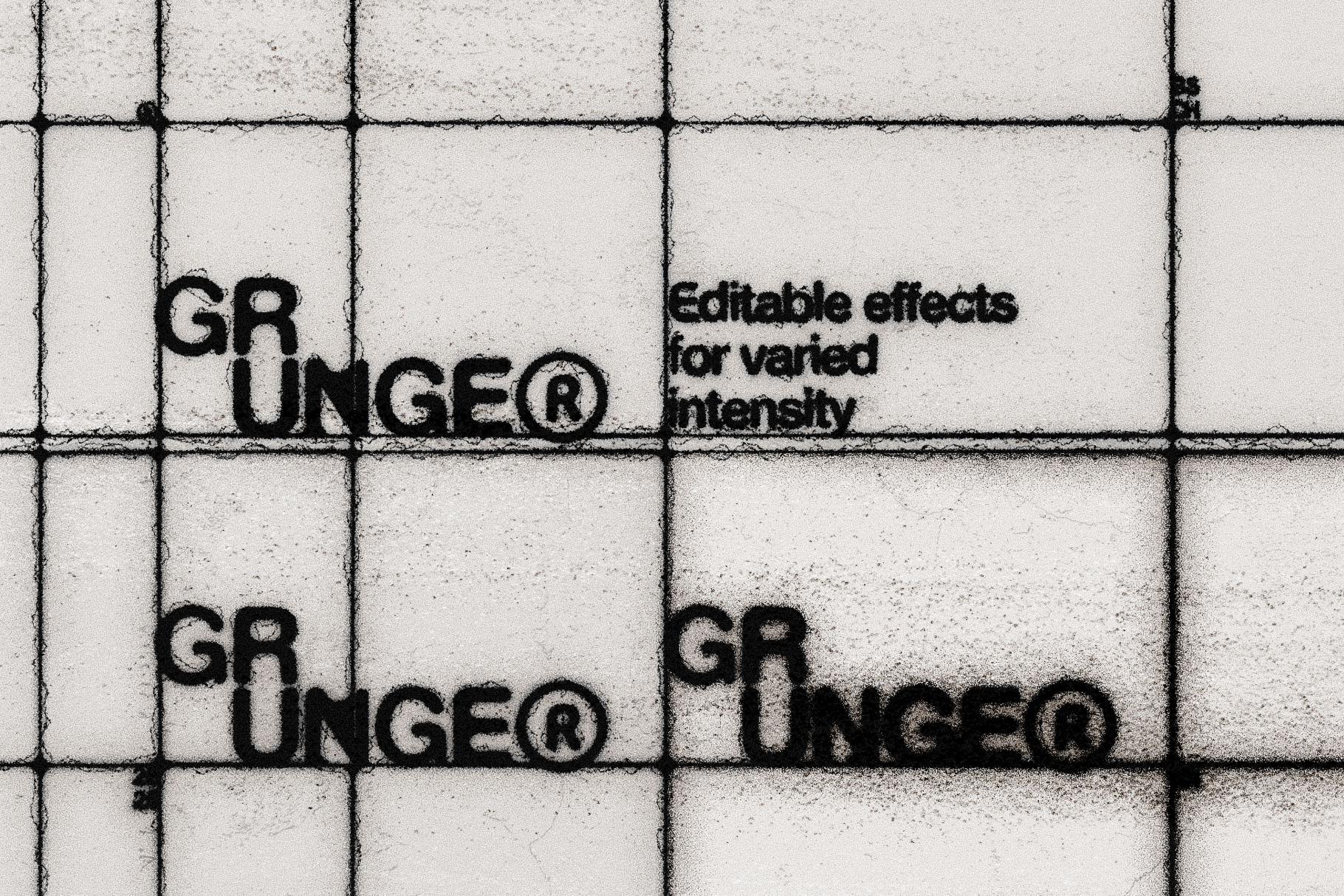 Image 9 of 15
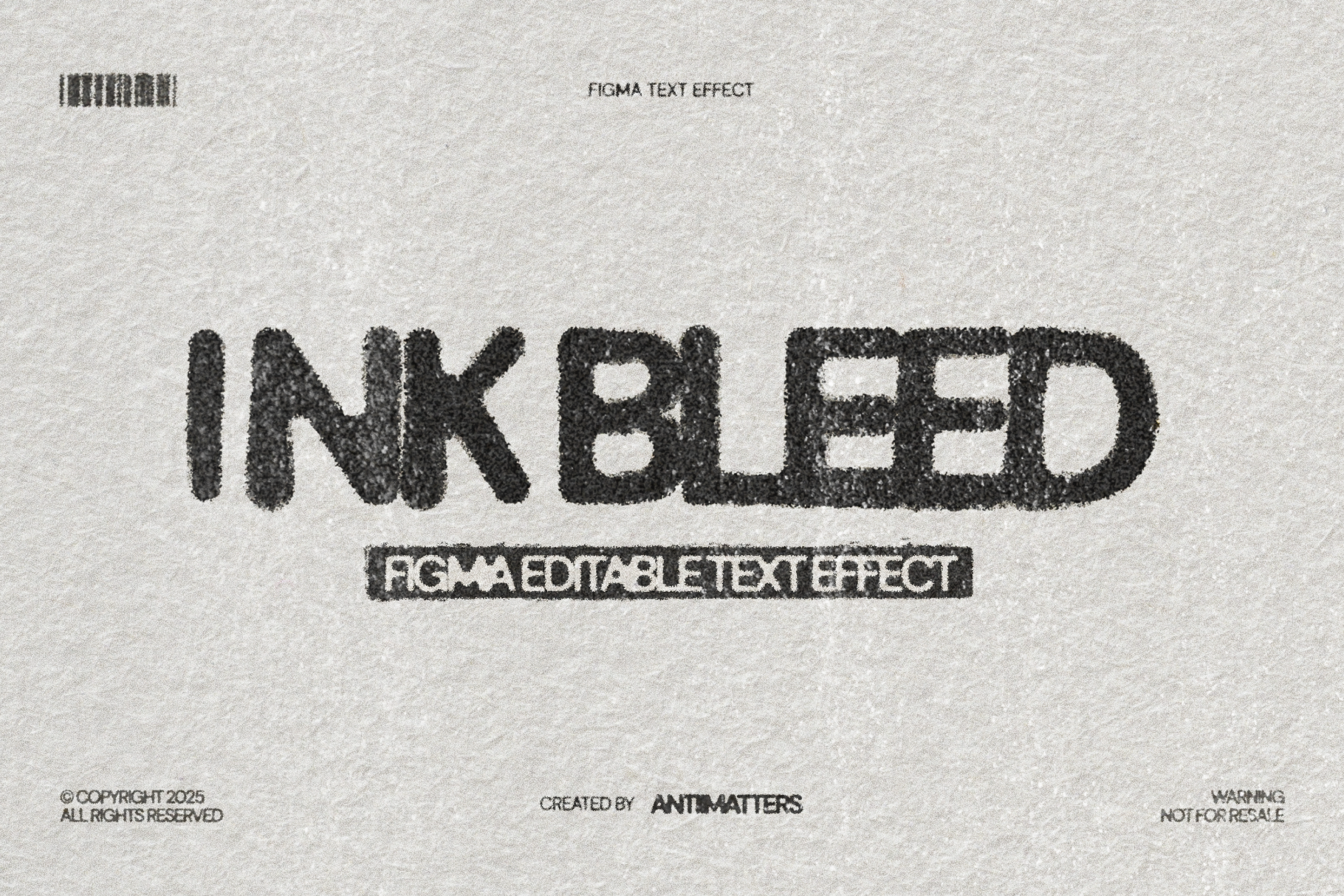 Image 10 of 15
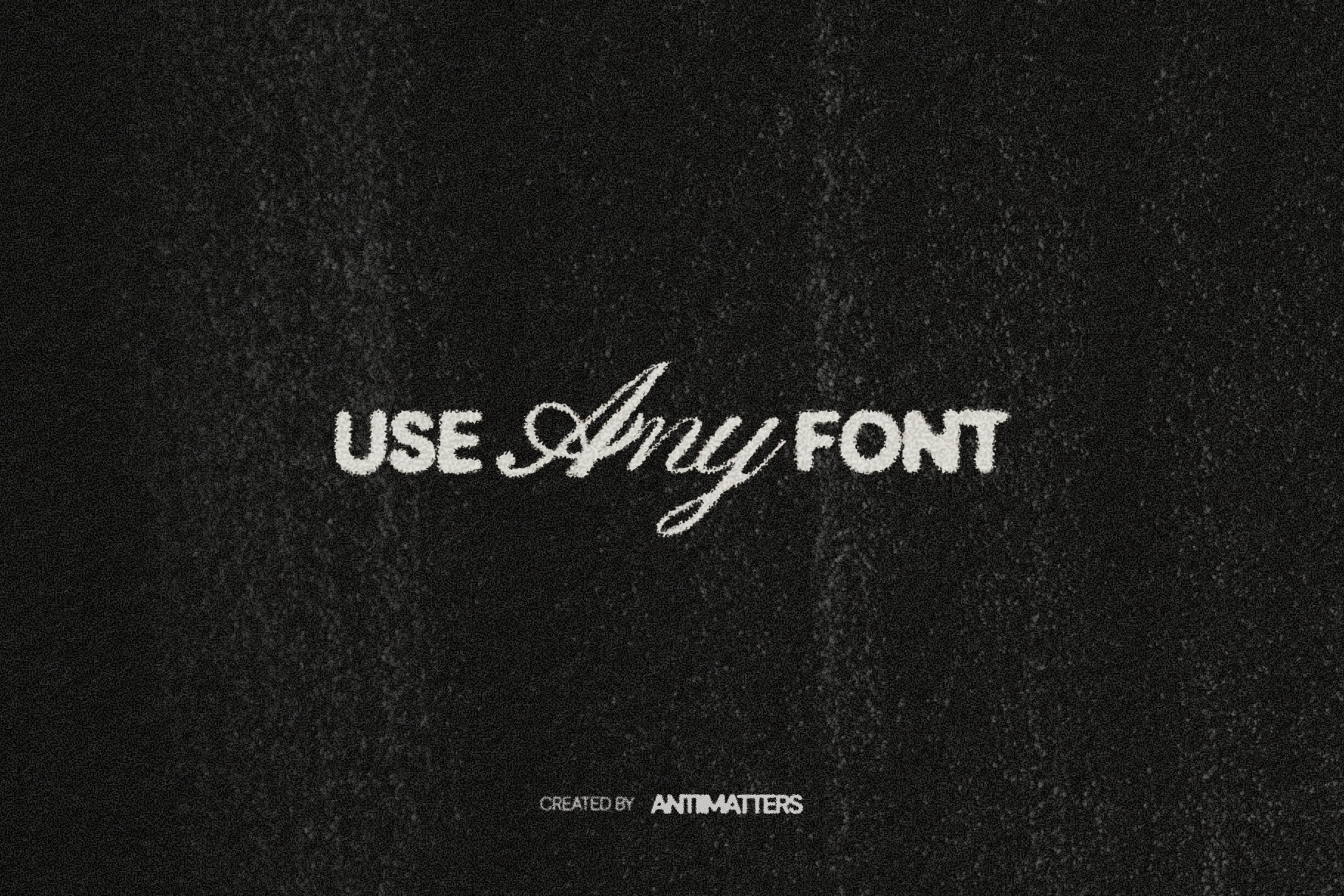 Image 11 of 15
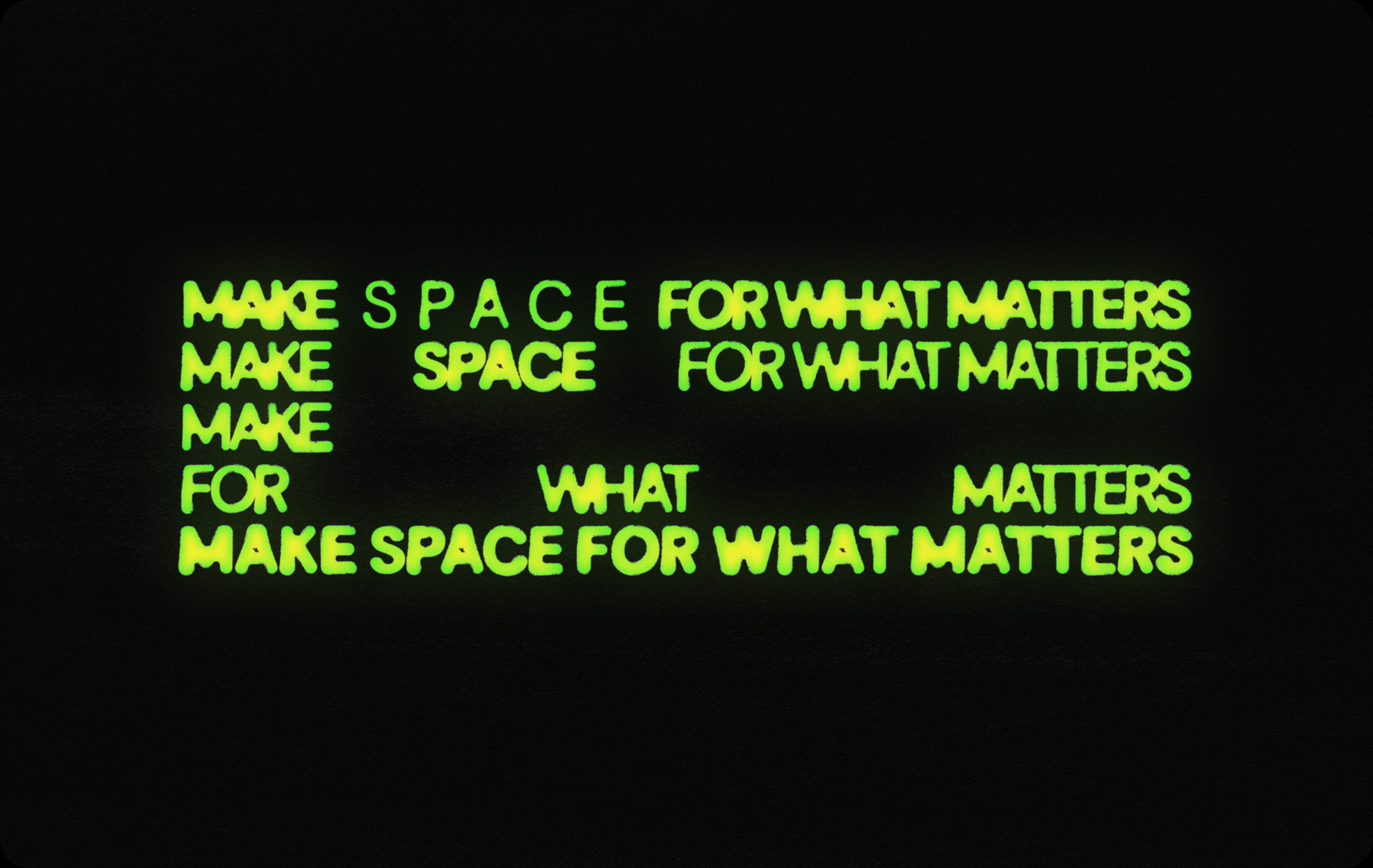 Image 12 of 15
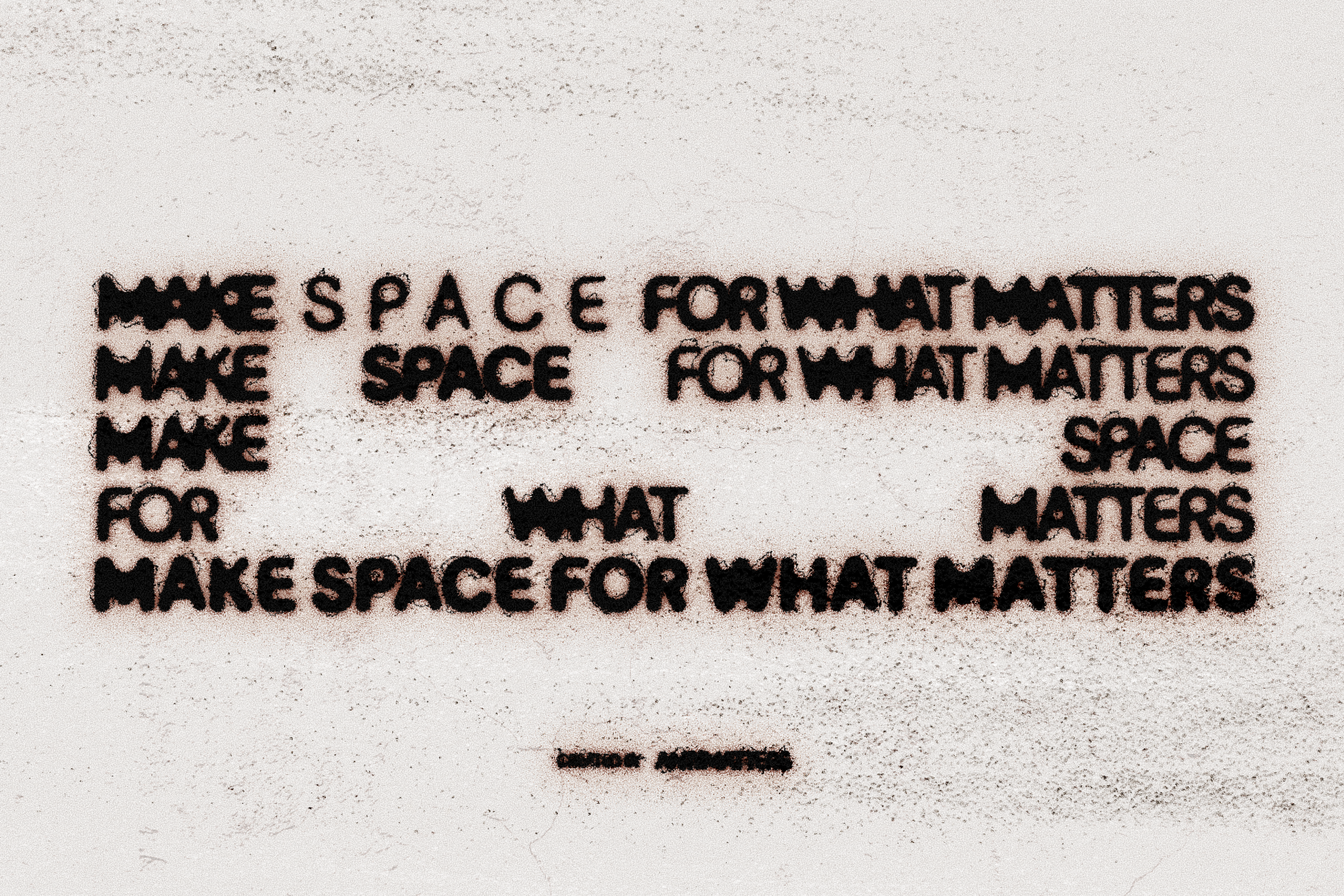 Image 13 of 15
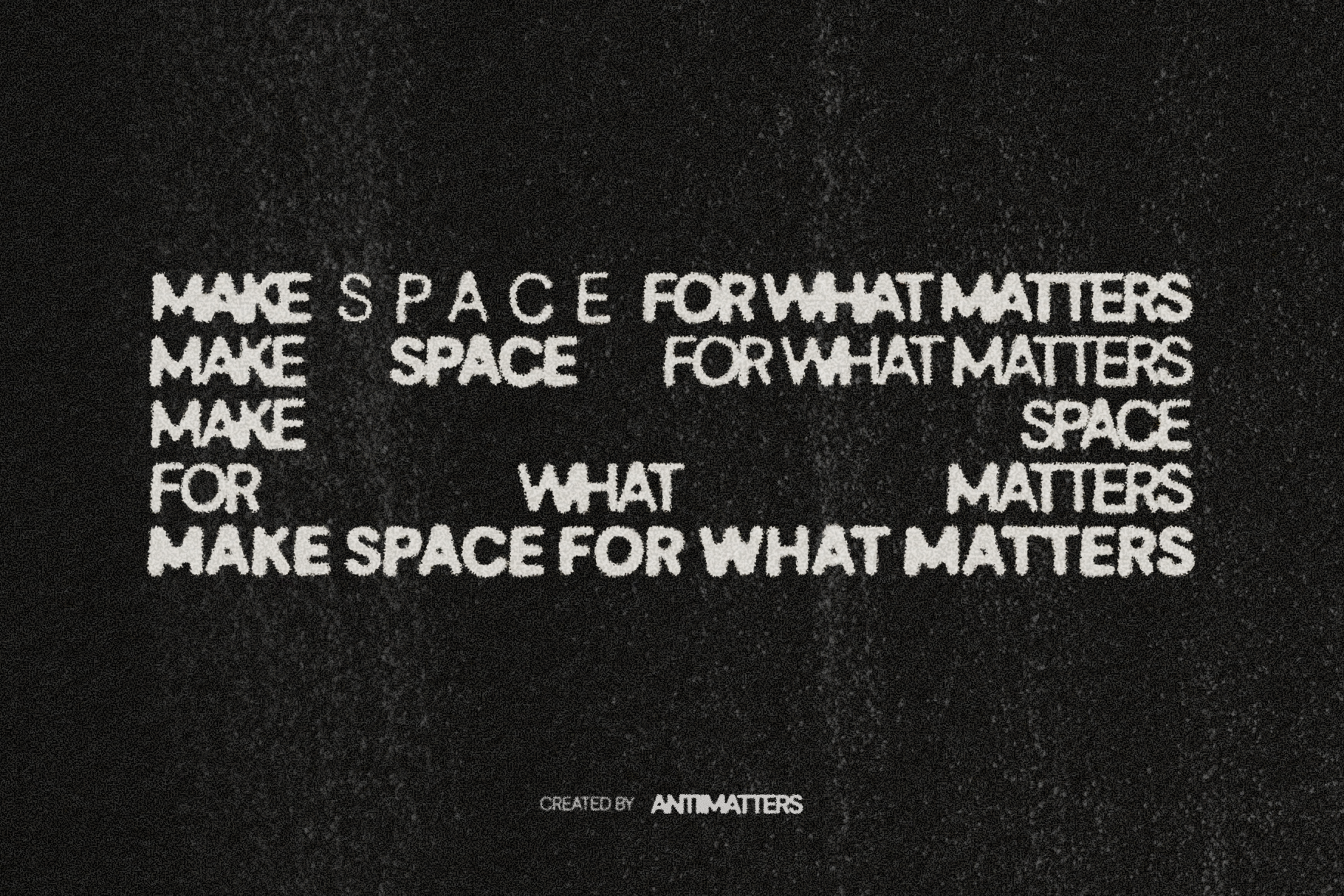 Image 14 of 15
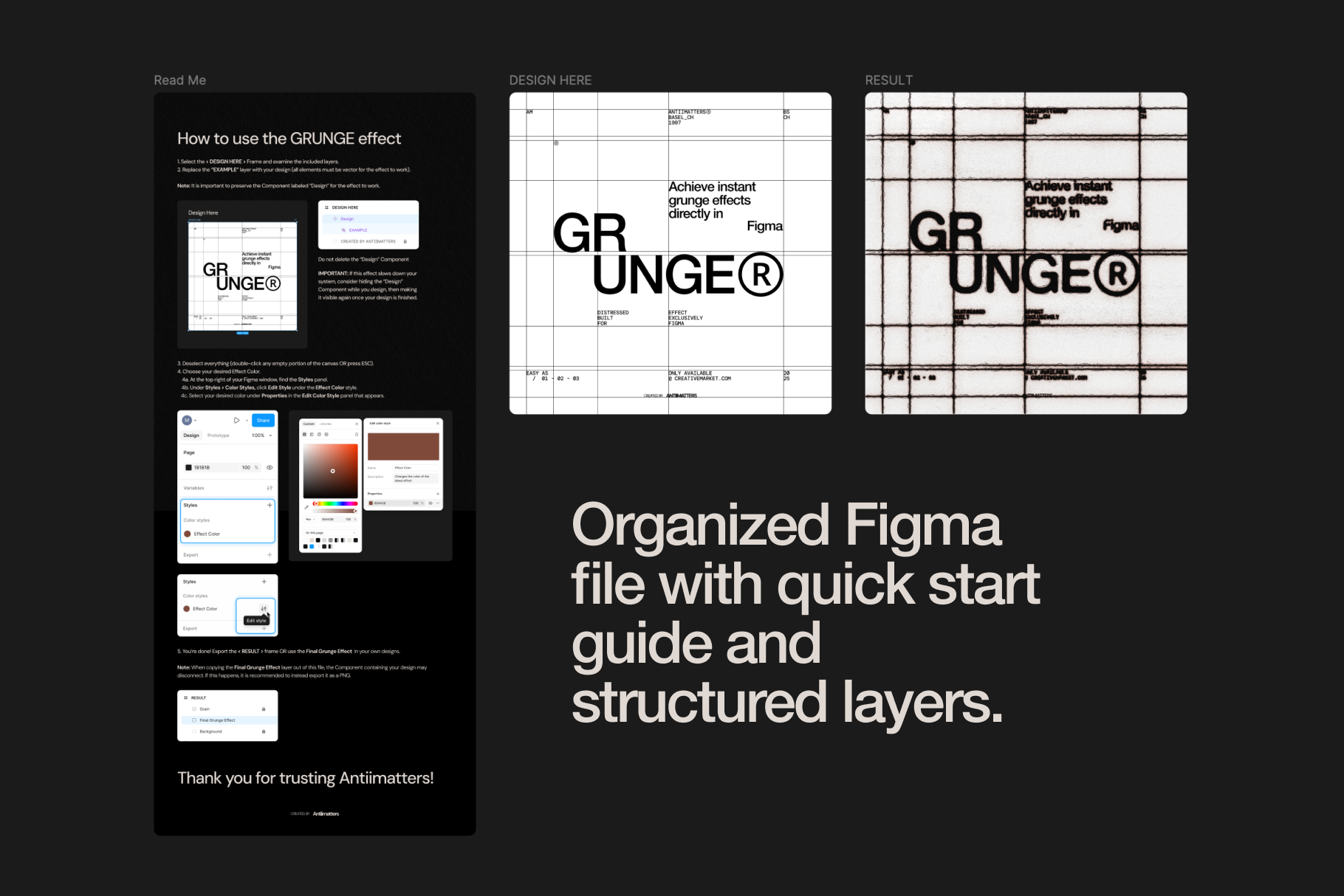 Image 15 of 15
Figma Text Effects Bundle
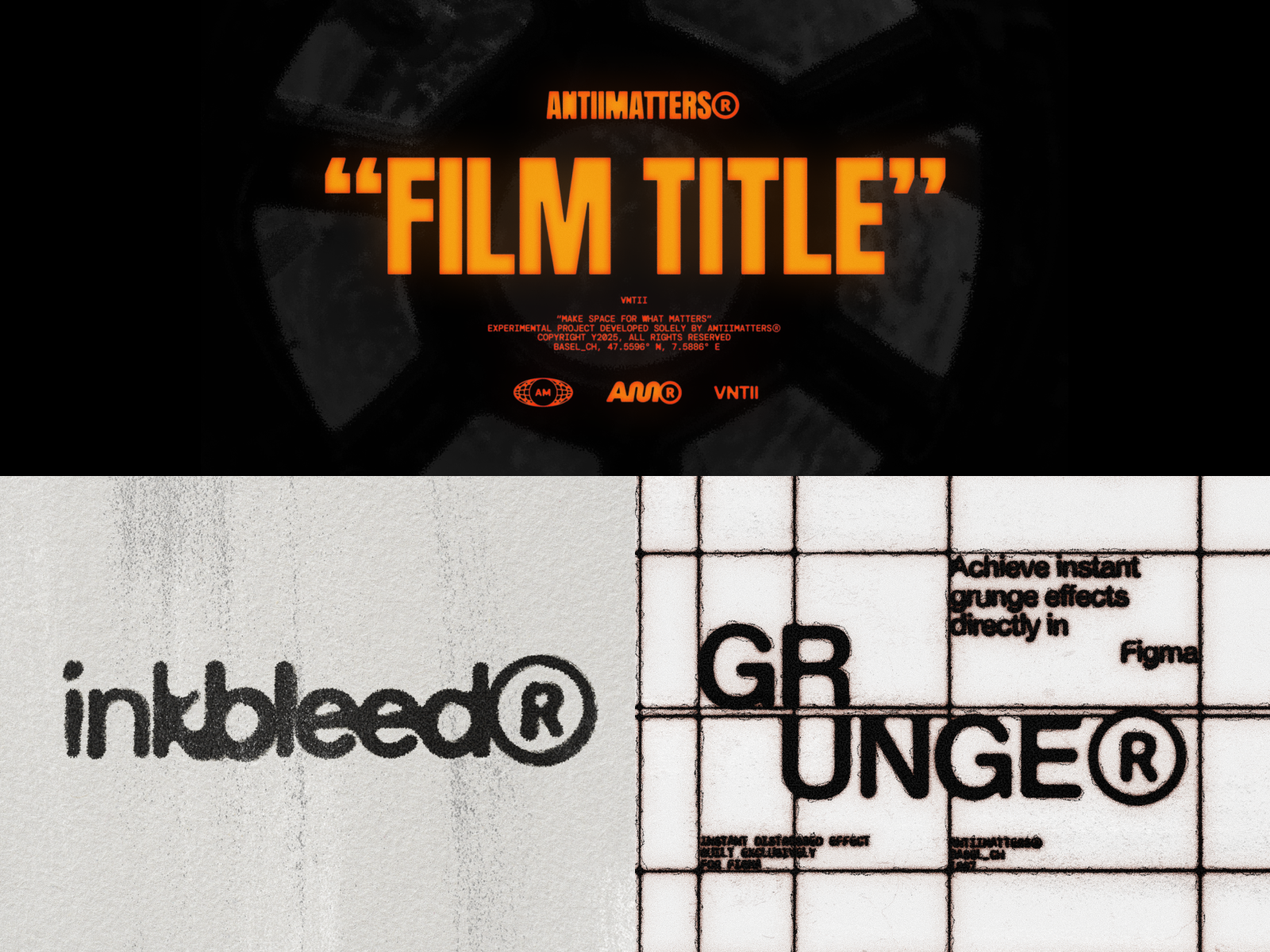
Three effects. Infinite possibilities.
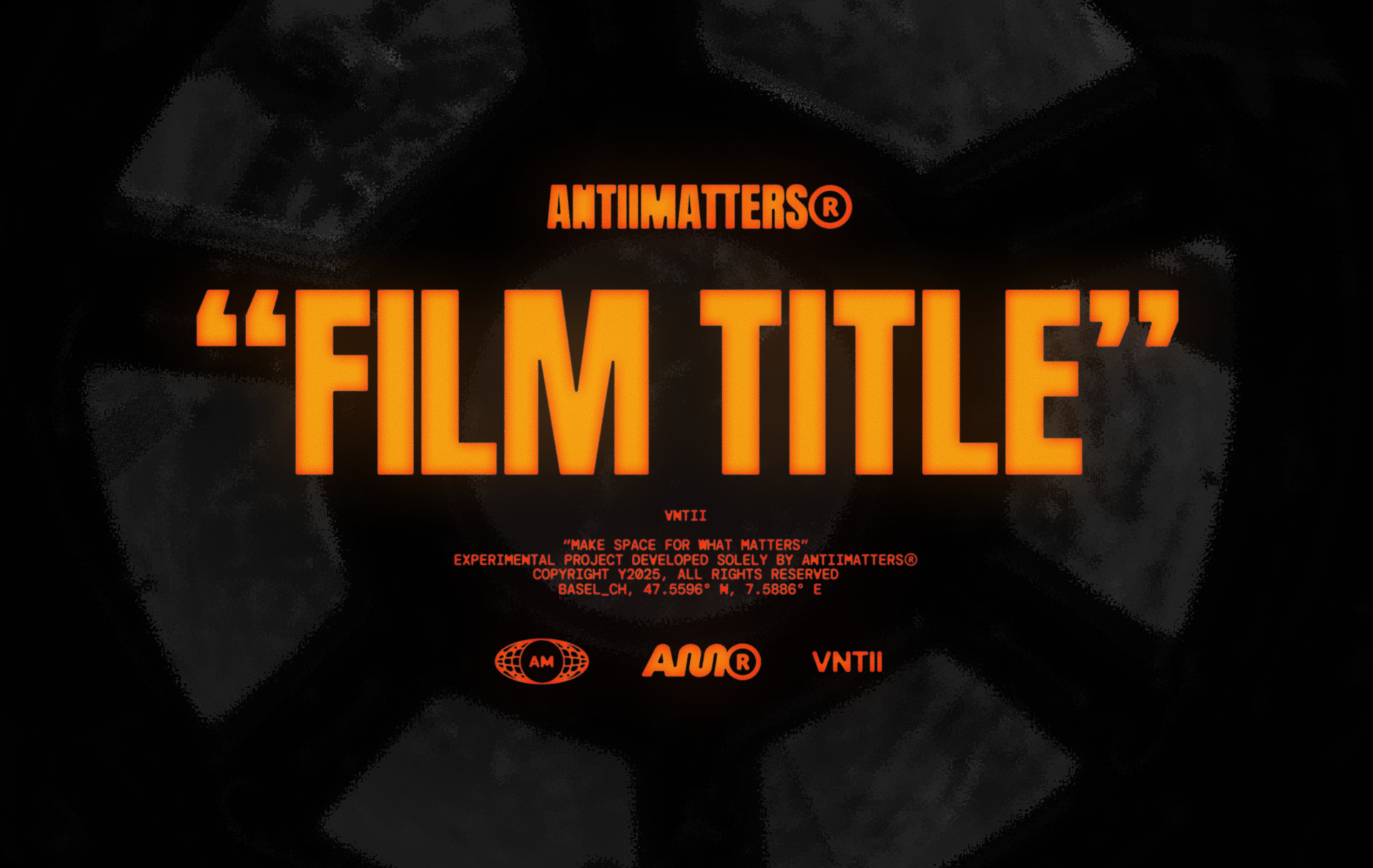
Film Title
Cinematic glow for movie posters, streaming titles, and high-impact headlines.
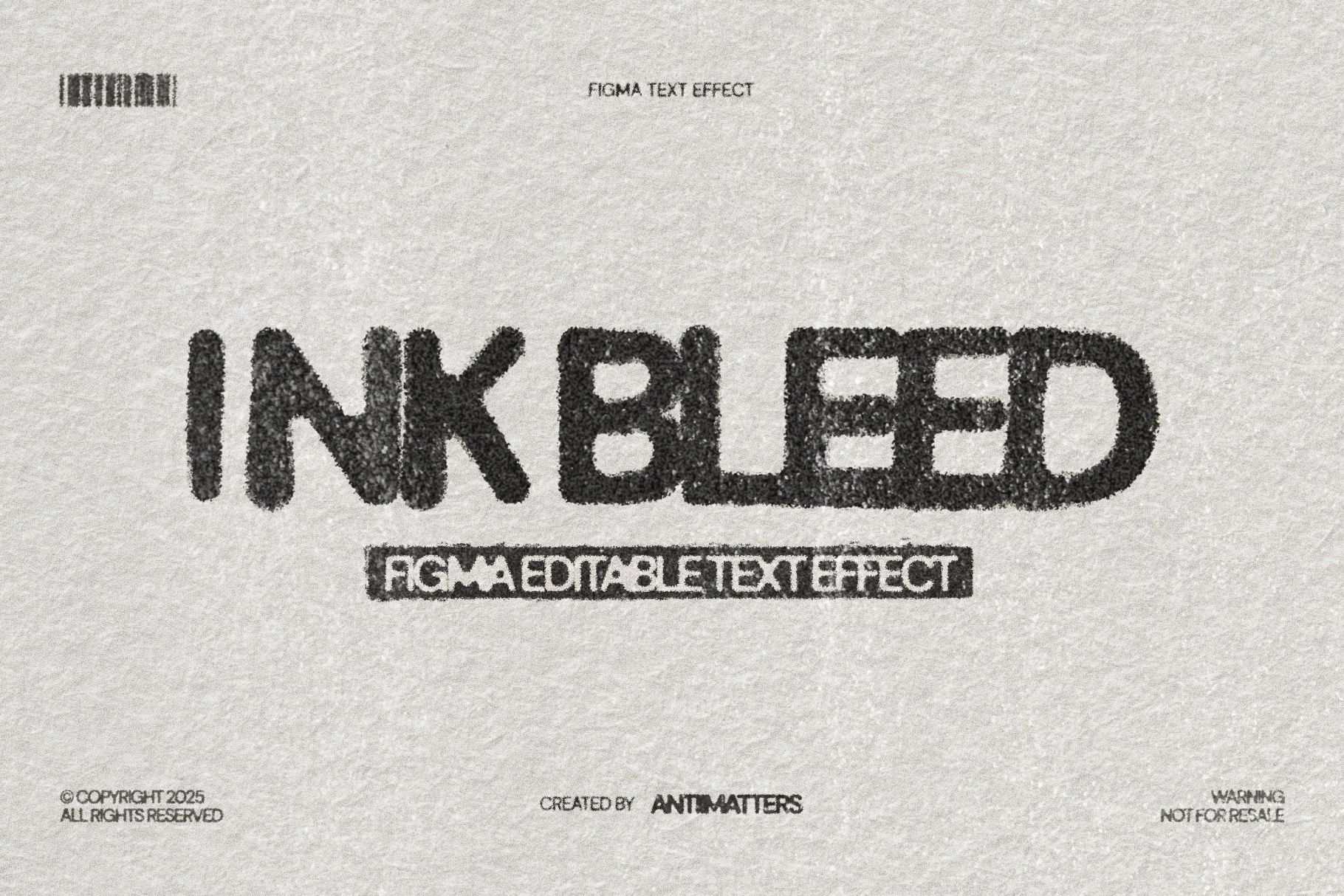
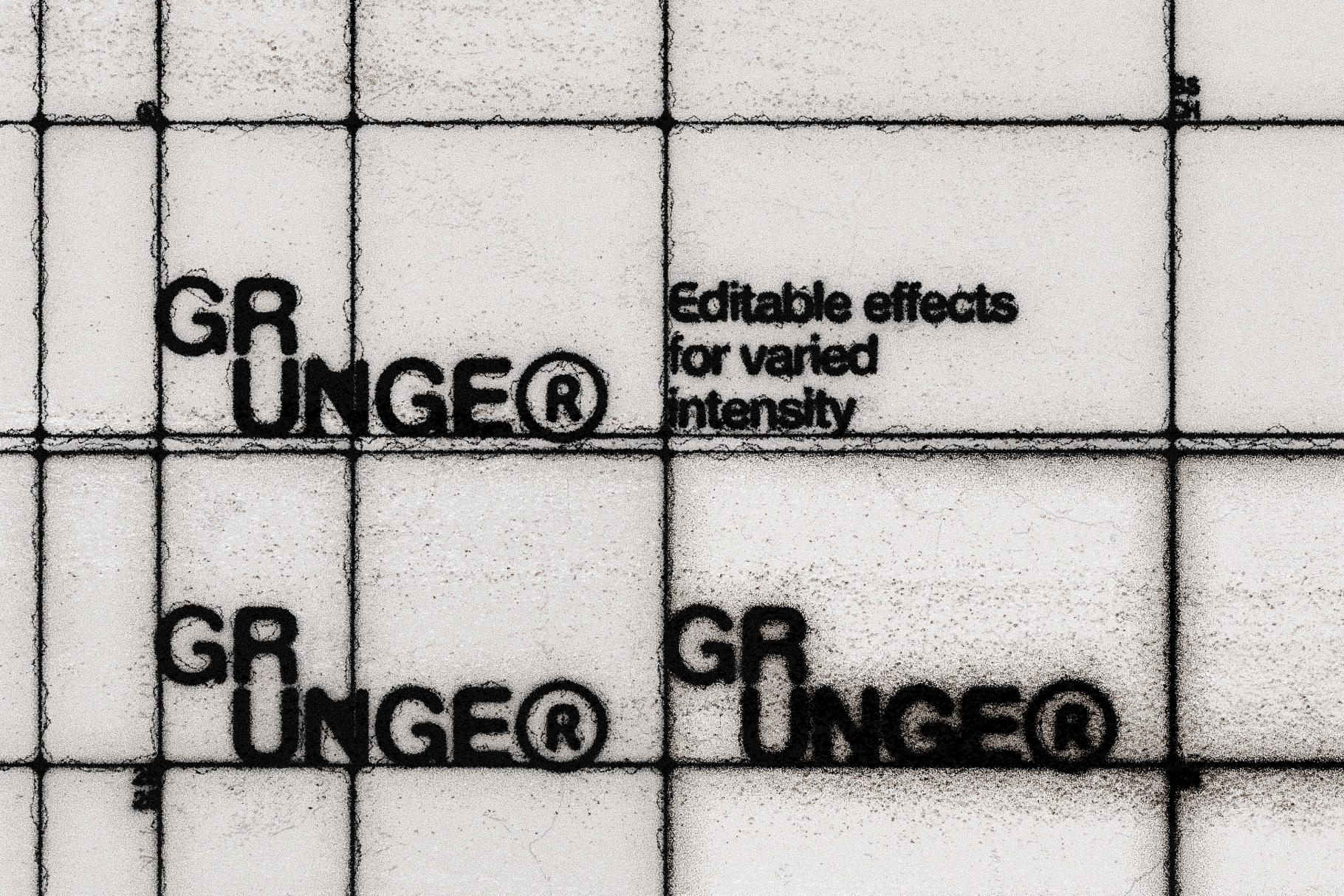
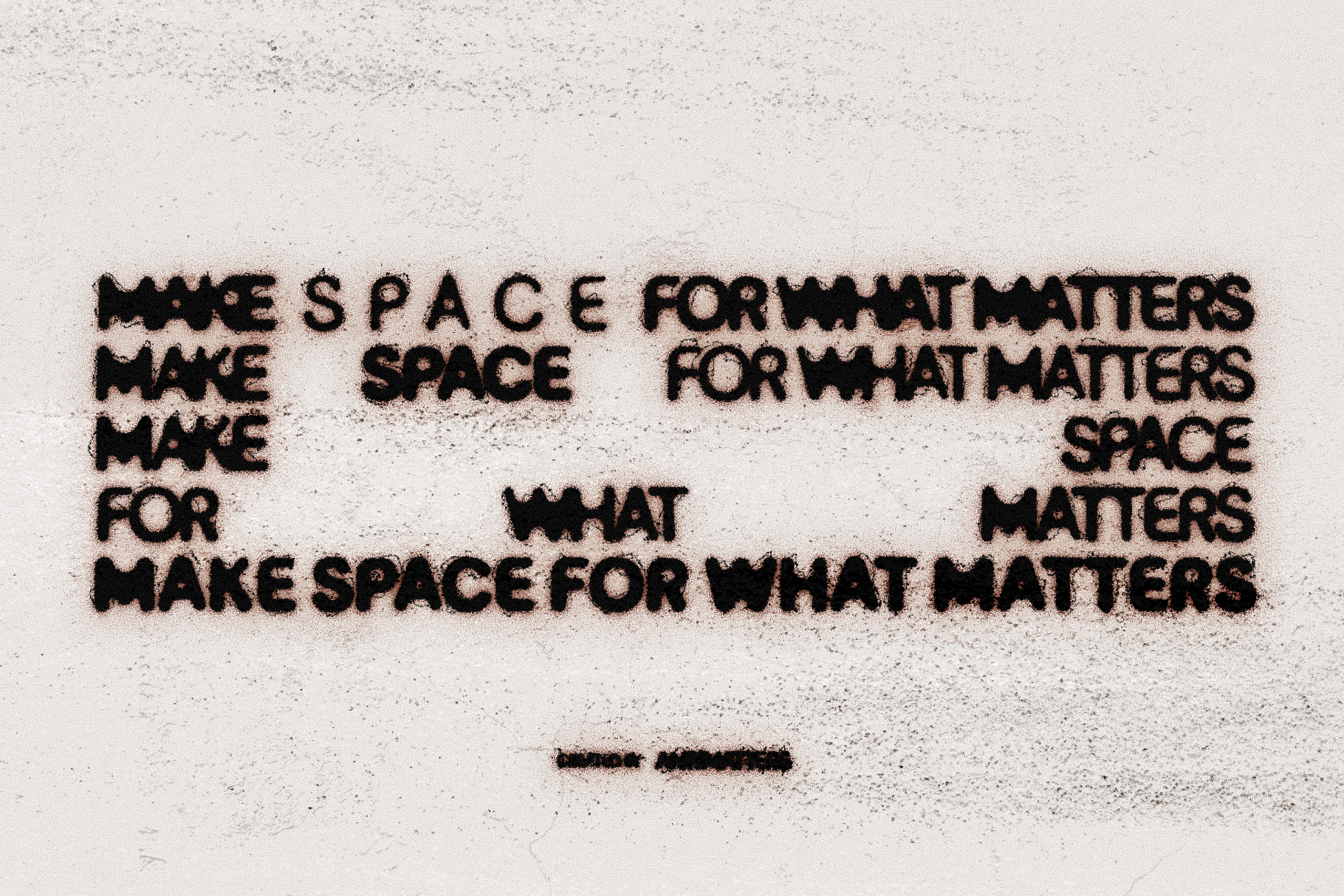
Ink Bleed
Authentic photocopied distress with variable intensity. Perfect for zines and streetwear.
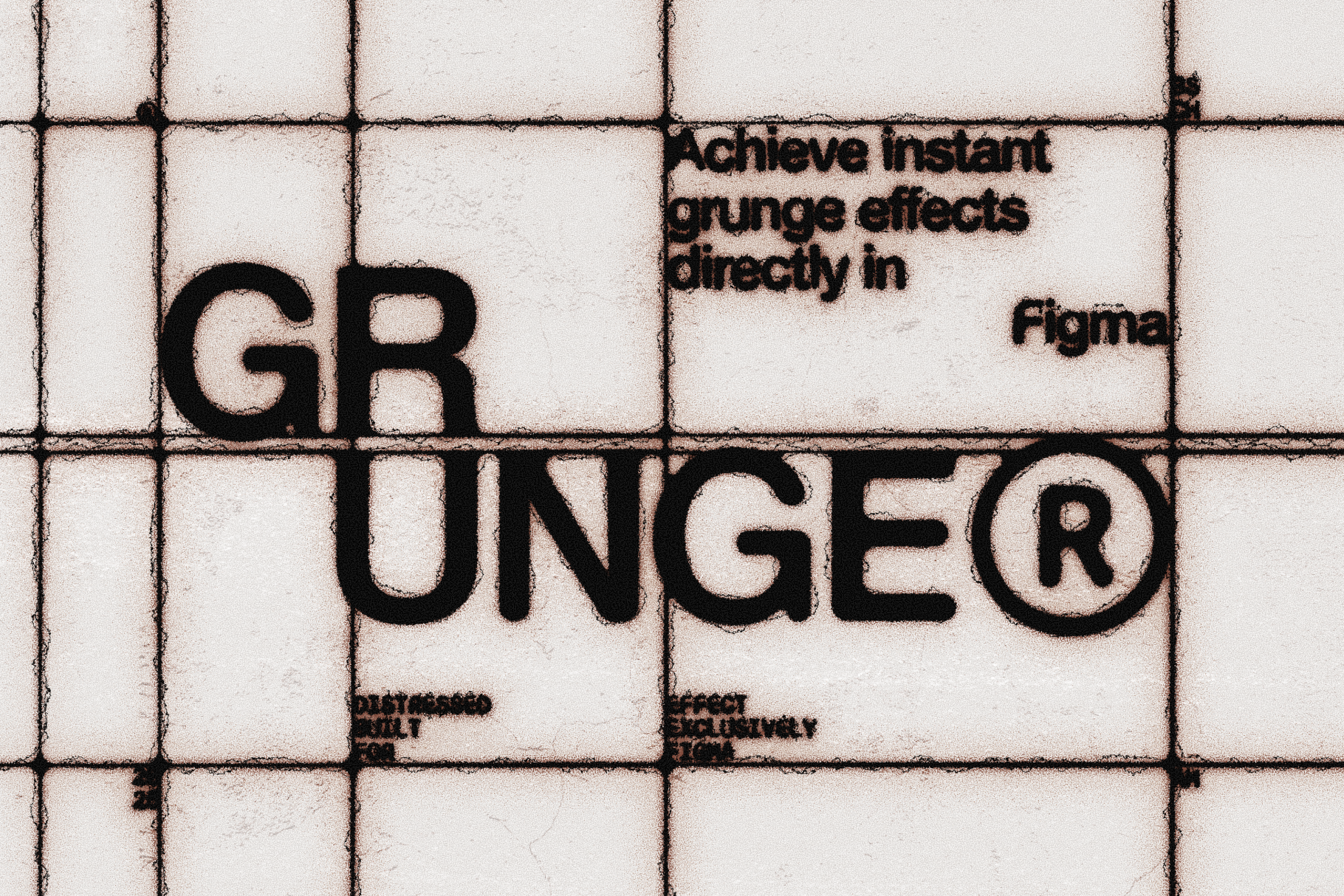
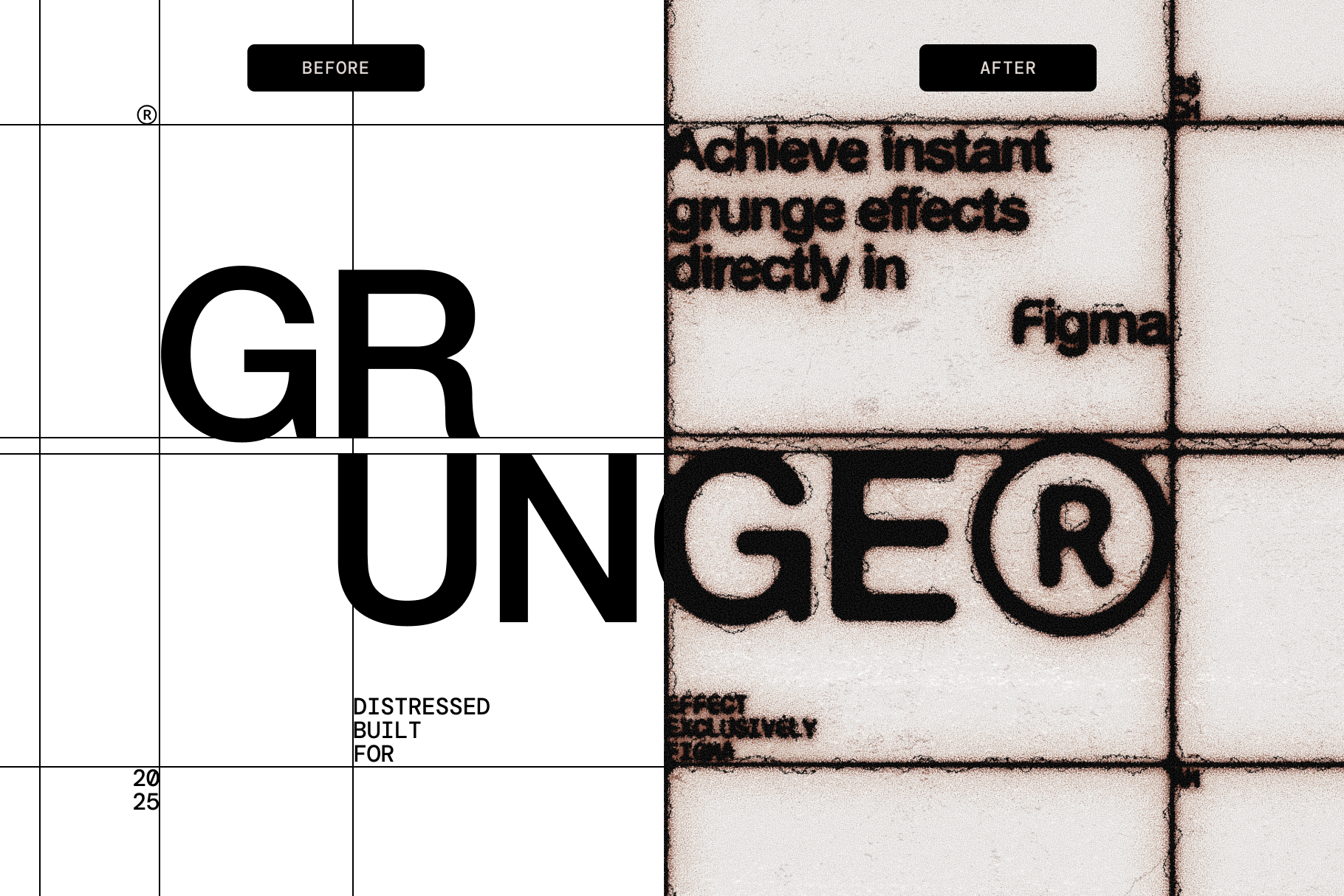
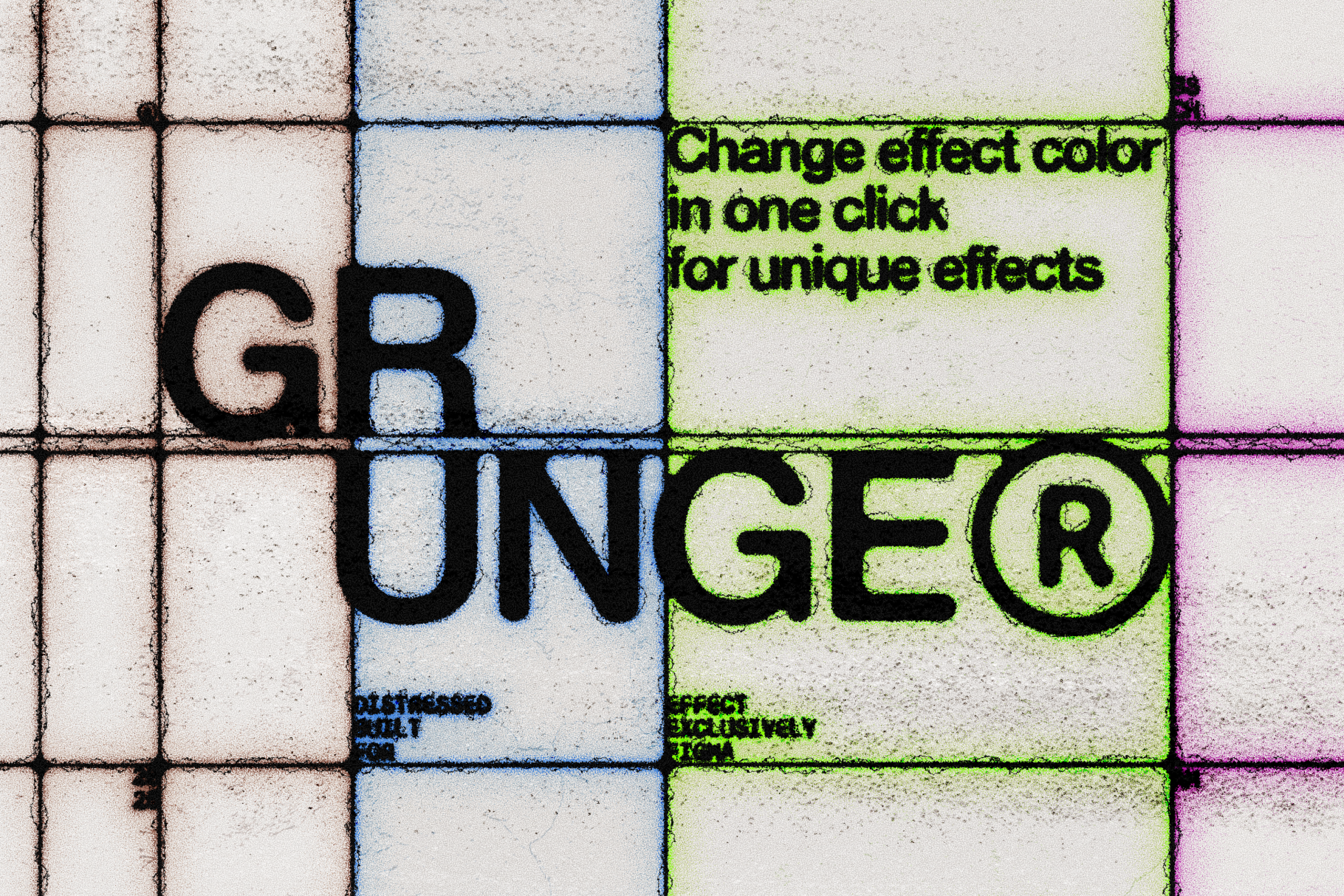
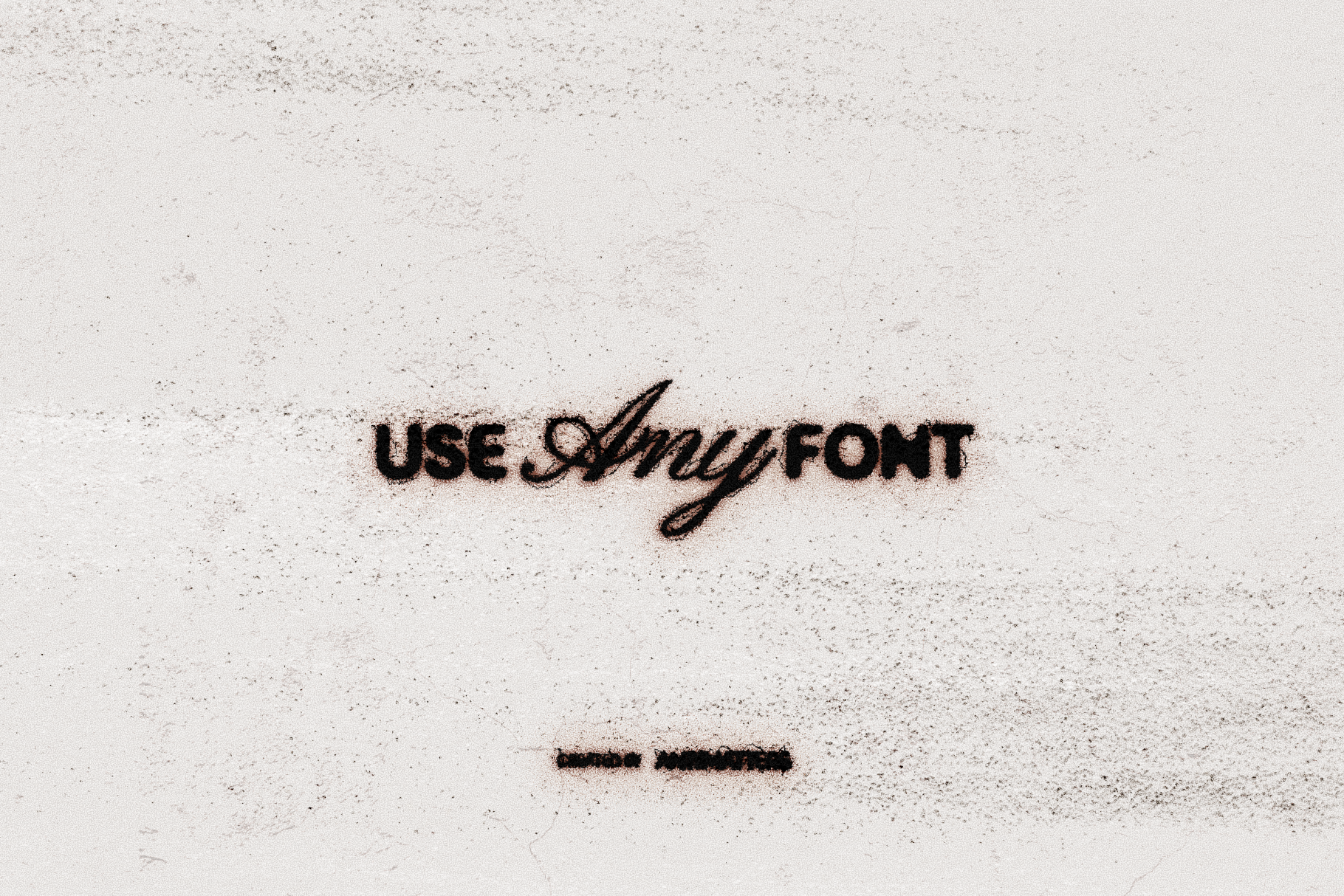
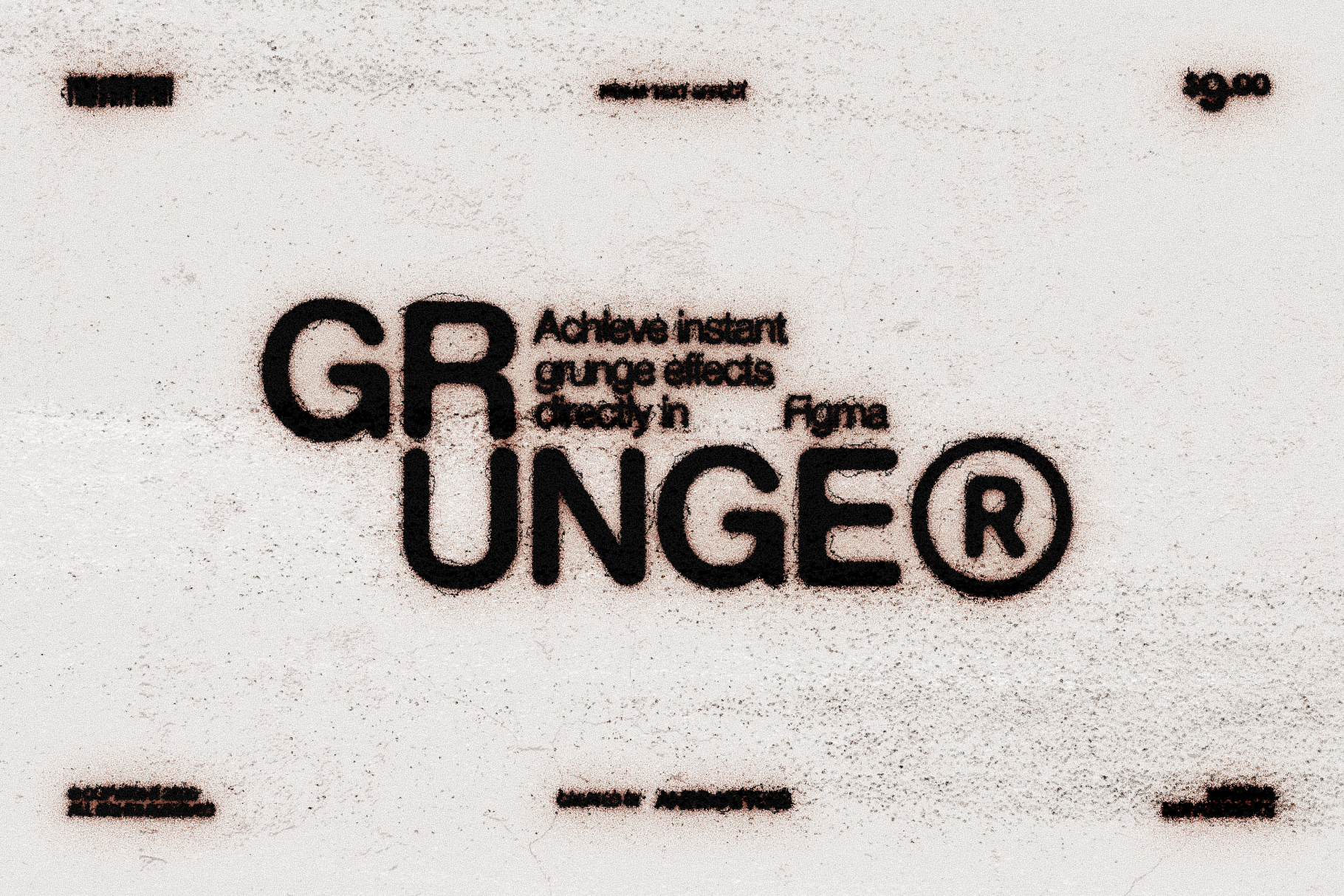
Grunge
Aggressive distressing for bold typography that demands attention.
Stop wrestling with complex layer effects.
You know that feeling when you spend 45 minutes trying to recreate a film title — only to end up with something that looks off? Or when you need that authentic photocopied punk aesthetic but Figma's blur tools just won't cooperate?
This bundle gives you both extremes: the polished glow of Hollywood title sequences and the raw energy of underground print design — without touching a plugin or opening Photoshop.
Swap your text. The effect does the rest.
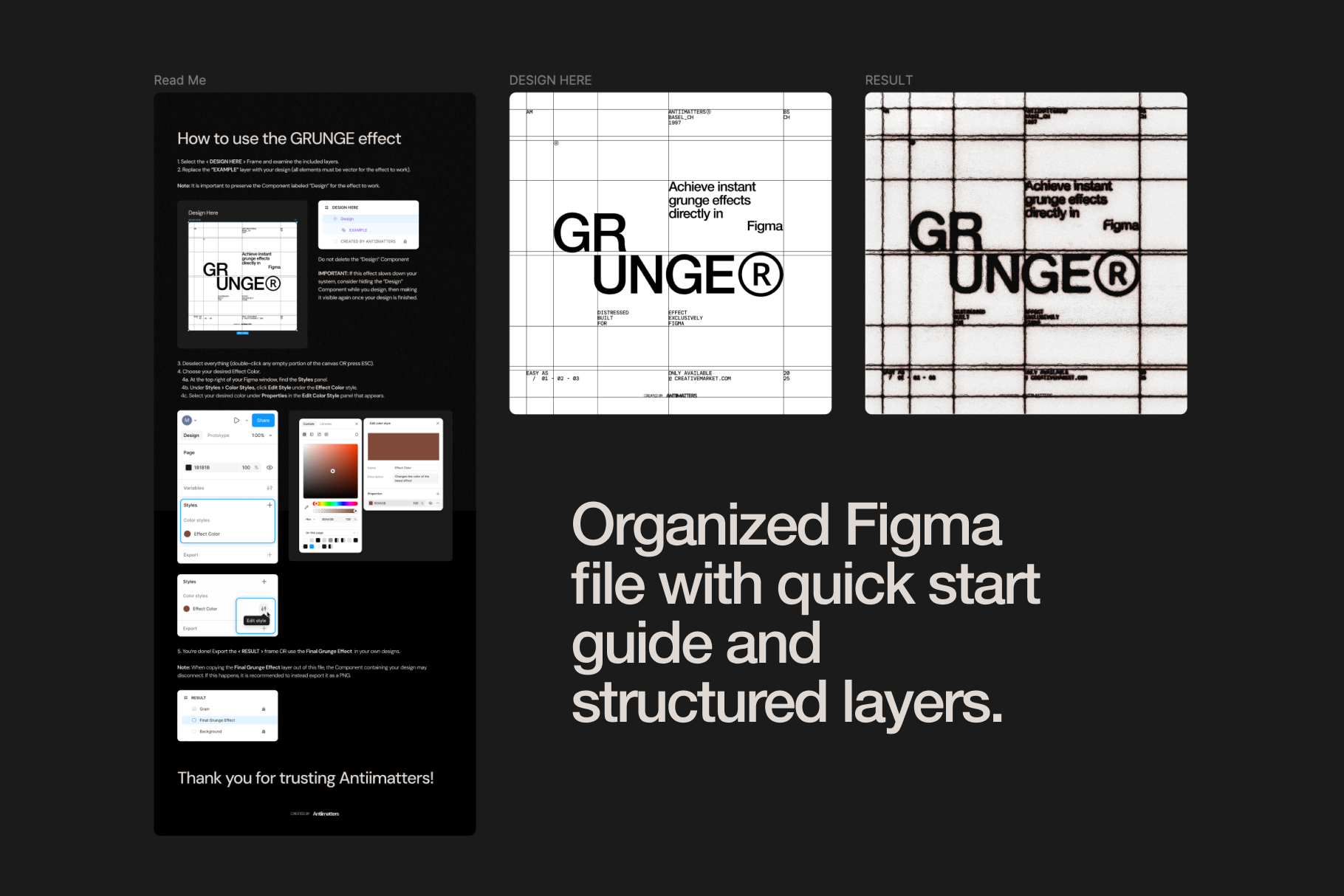
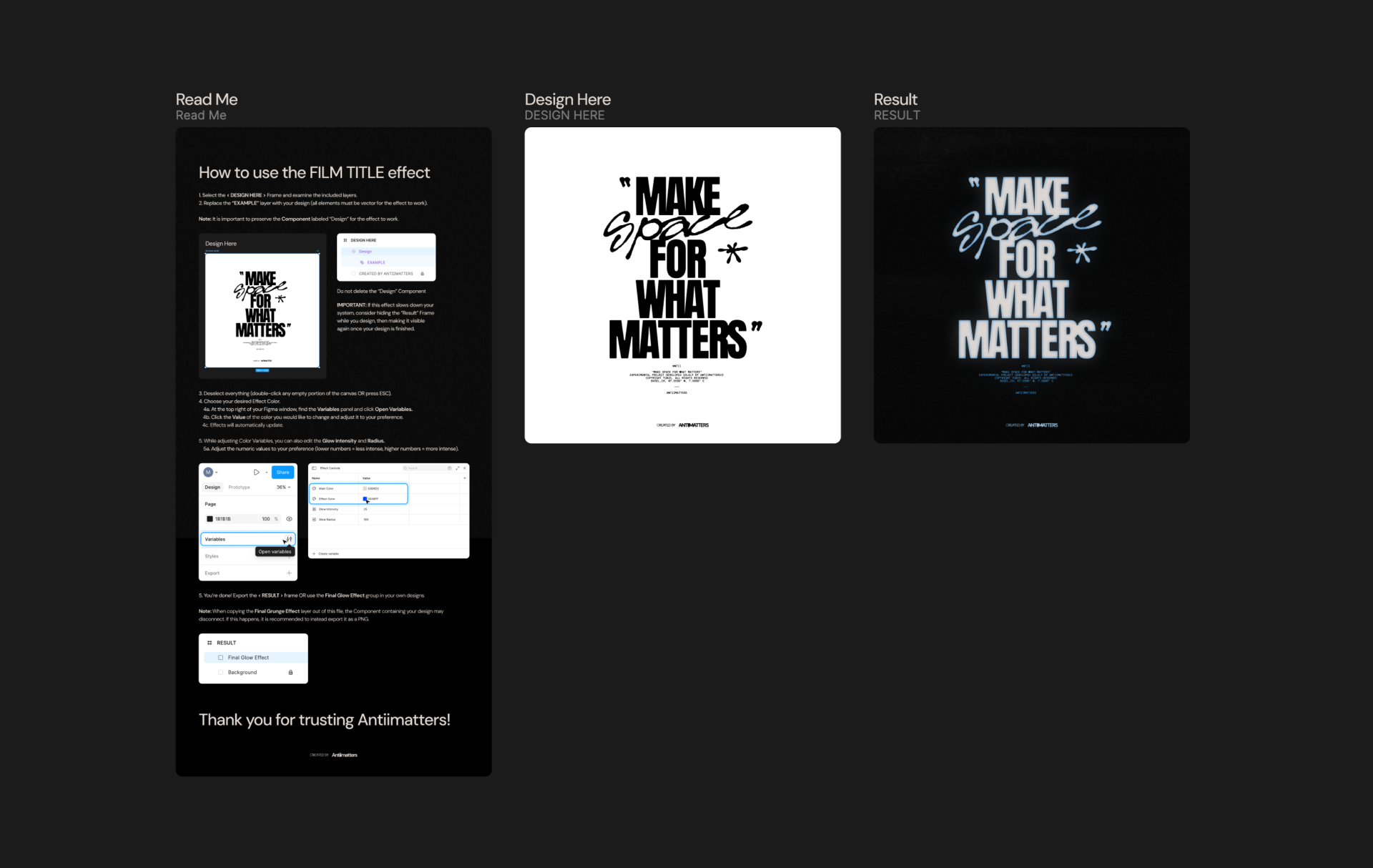
Each effect is a single Figma frame with organized, labeled layers. The workflow is three steps:
- Open the .fig file — download after purchase, then open directly in Figma (desktop or browser).
- Swap your text — select the text layer inside the effect frame, type your own copy or paste a vector object. The effect adapts to your content automatically.
- Adjust and export — fine-tune color, intensity, and distress level using styles and variables, then export or copy-paste the result into your working file.
Average setup time is under 2 minutes. No tutorials, no documentation to read — the layer names tell you exactly what each layer controls.
Why use native Figma layers instead of plugins?
Most Figma text effects rely on third-party plugins that require installation, periodic updates, and sometimes paid subscriptions. If the plugin developer stops maintaining it, your effects break.
This bundle takes a different approach. Every effect is built entirely with native Figma layers — blend modes, masks, and layer effects that are part of Figma's core feature set. There is nothing to install, nothing that can break with a Figma update, and no dependency on a third-party developer.
Unlike Photoshop-based texture packs, you also keep full text editability. Change your font, resize your text, or update your copy — the effect adapts automatically without re-applying anything.
Built for how designers actually work.
Native Figma layers
No external plugins to install, update, or troubleshoot. It just works.
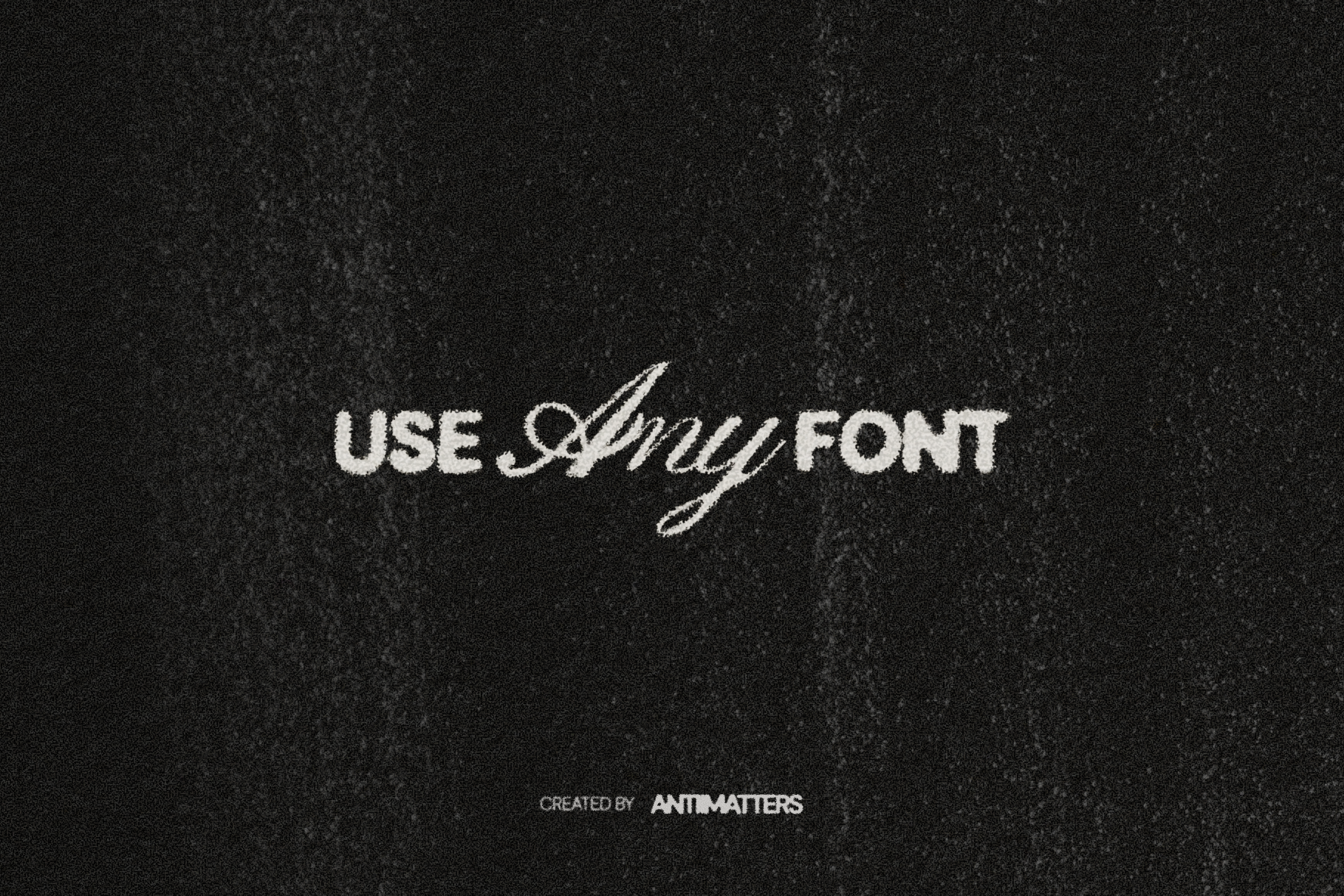
Works with any font
Your fonts, your look. Just swap text and the effect adapts instantly.
Fully customizable
Adjust colors, intensity, and distress levels to match any project.
One-time purchase
No subscriptions. Pay once, use across unlimited personal projects.
Whatever you're designing next.
Who Are These Effects For?
Graphic designers building album covers, event posters, and brand identity systems use Film Title for cinematic headlines and Grunge for raw, textured typography — without switching to Photoshop for a single text treatment.
Streetwear and apparel designers use Ink Bleed and Grunge to create authentic distressed type for merch mockups, lookbooks, and print-ready graphics directly in their Figma design files.
Social media designers and content creators use all three effects to produce scroll-stopping visuals for Instagram, TikTok thumbnails, and YouTube covers. Each effect exports cleanly at any resolution.
Freelancers juggling client work use the bundle across projects — Film Title for a streaming brand one week, Ink Bleed for a music client the next — without buying separate plugin subscriptions for each aesthetic.
FAQ
What Figma version do I need?
Can I use these with any font?
How do I install it?
What's included in the Standard License?
Can I get a refund?
Create. Apply. Done.
Three professional effects. Native Figma layers. No plugins, no subscriptions.
Get the Bundle →