 Image 1 of 5
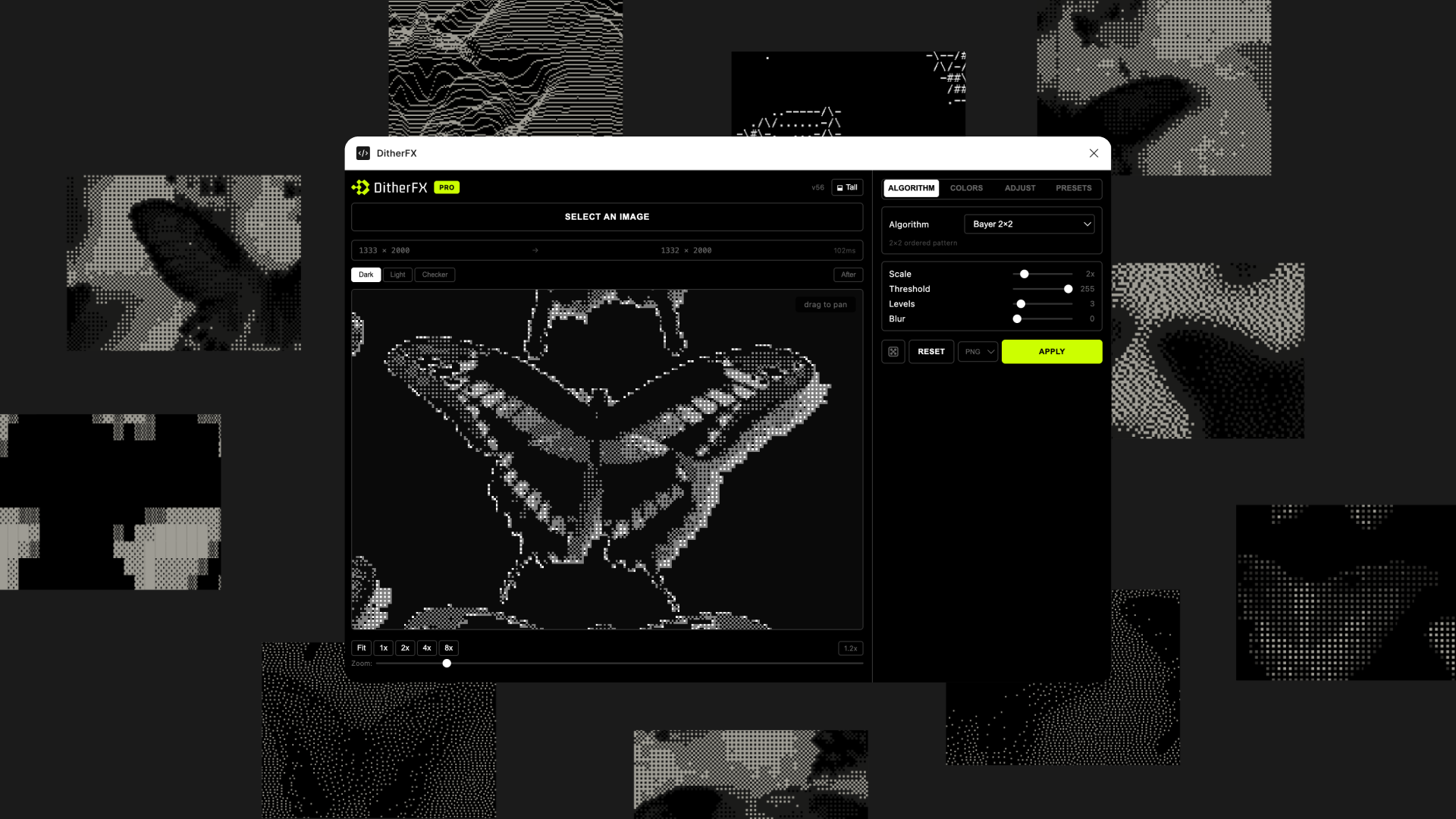 Image 2 of 5
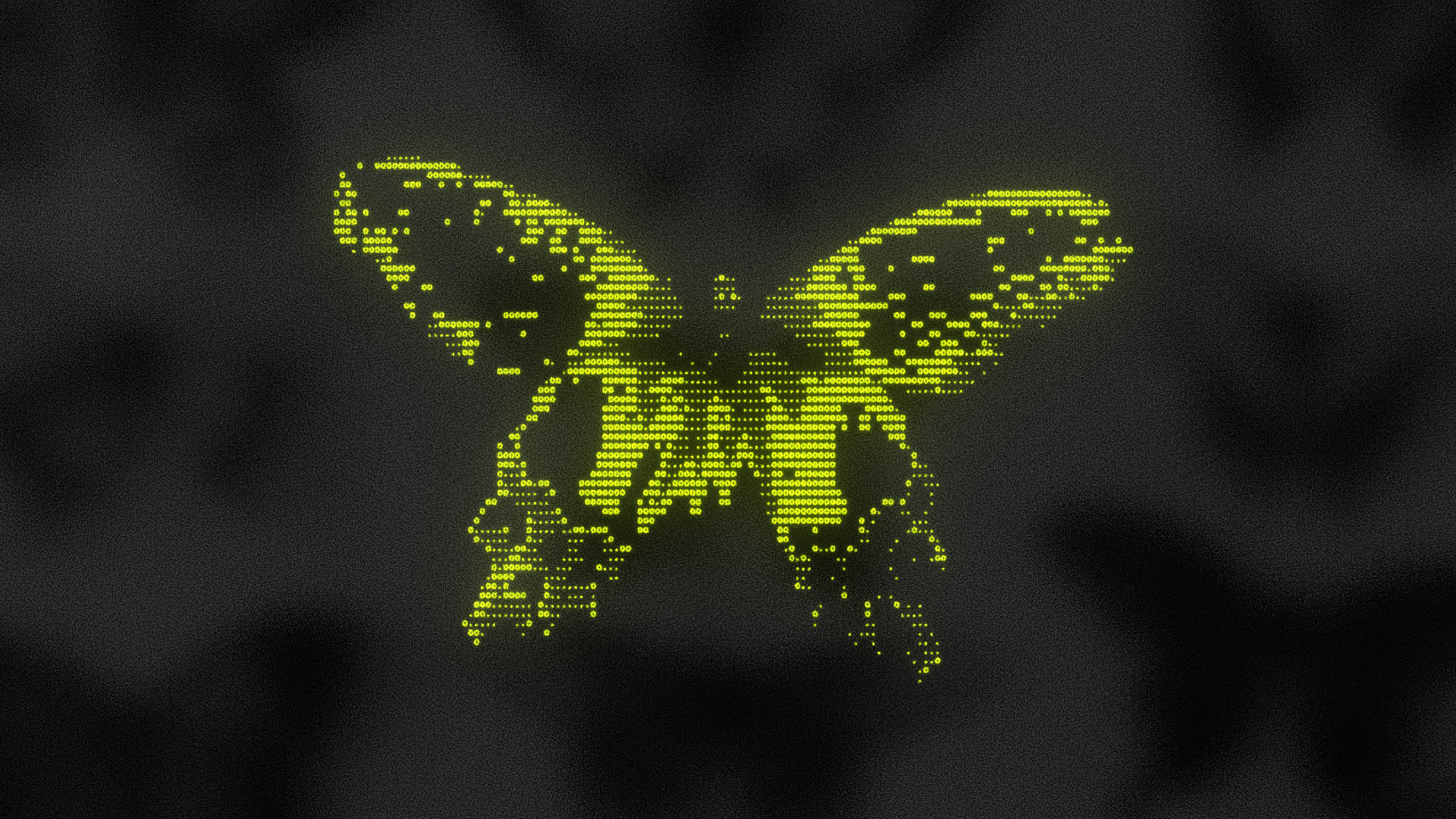 Image 3 of 5
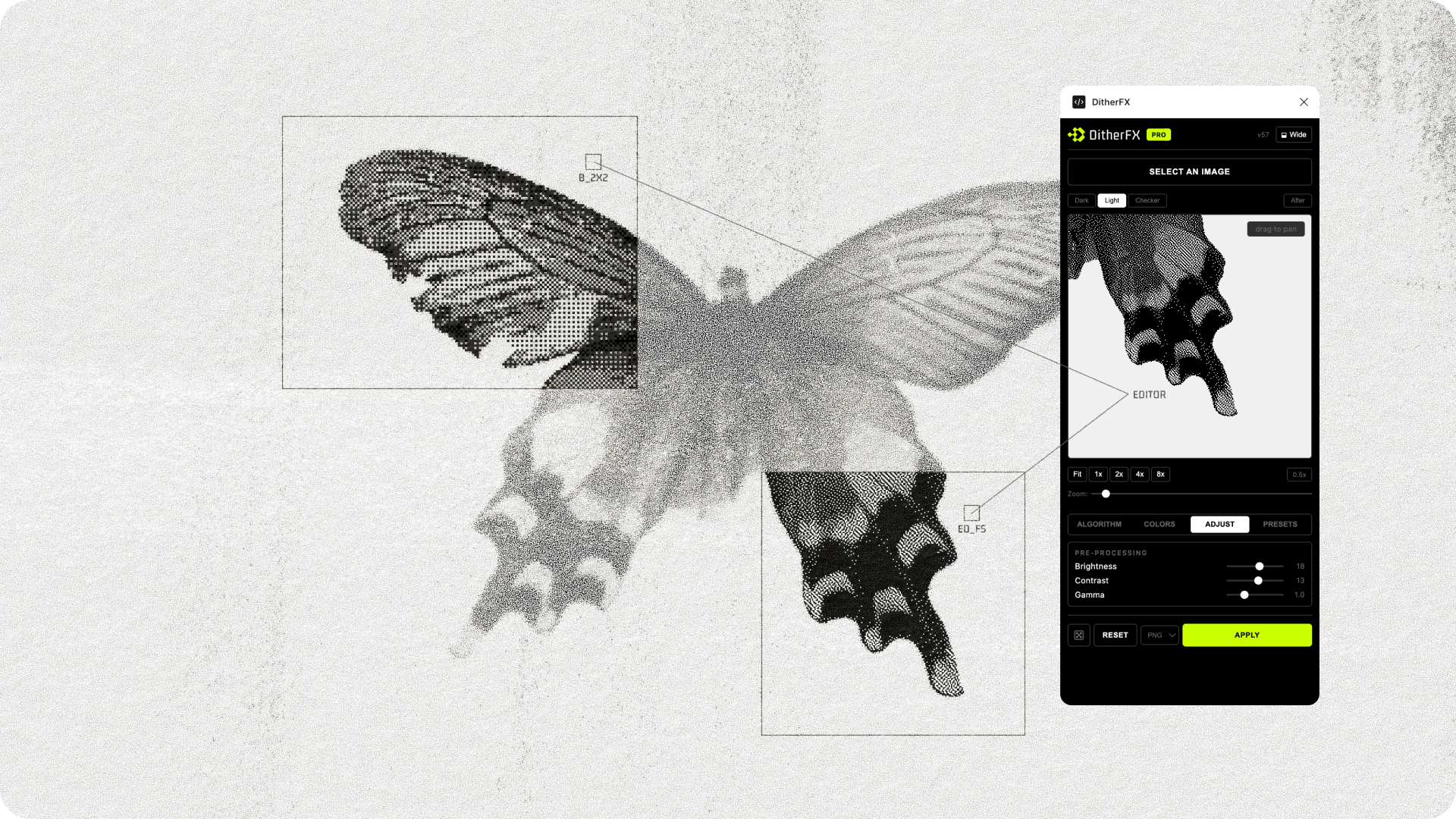 Image 4 of 5
 Image 5 of 5
30+ algorithms. Six categories. One plugin.
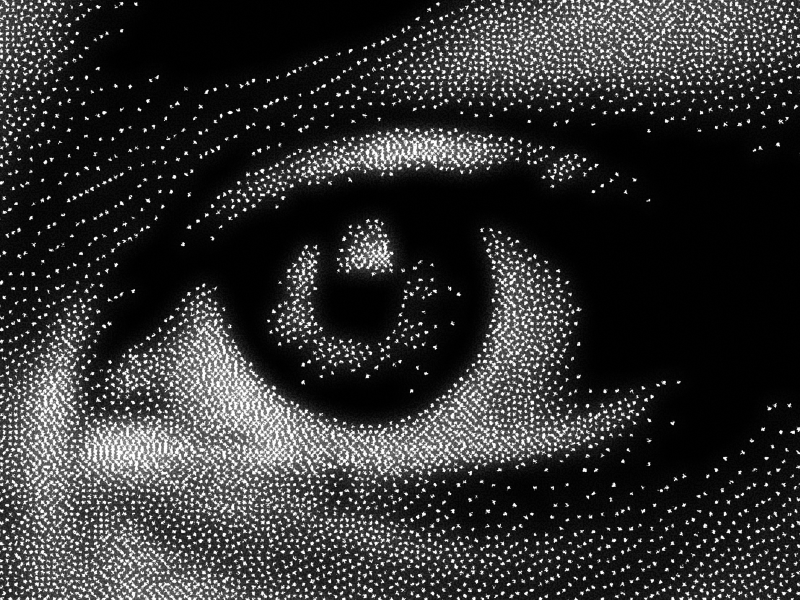
Error Diffusion
Floyd-Steinberg, Atkinson, Stucki, and more. The classic dithering algorithms used in print and digital media.
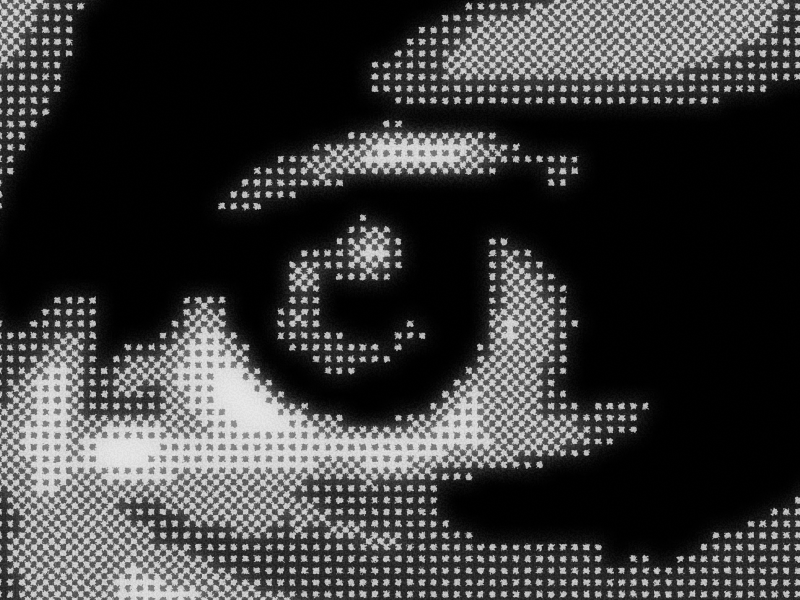
Ordered Dithering
Bayer 2×2, 4×4, and 8×8 matrices. Structured patterns for pixel-art and retro aesthetics.
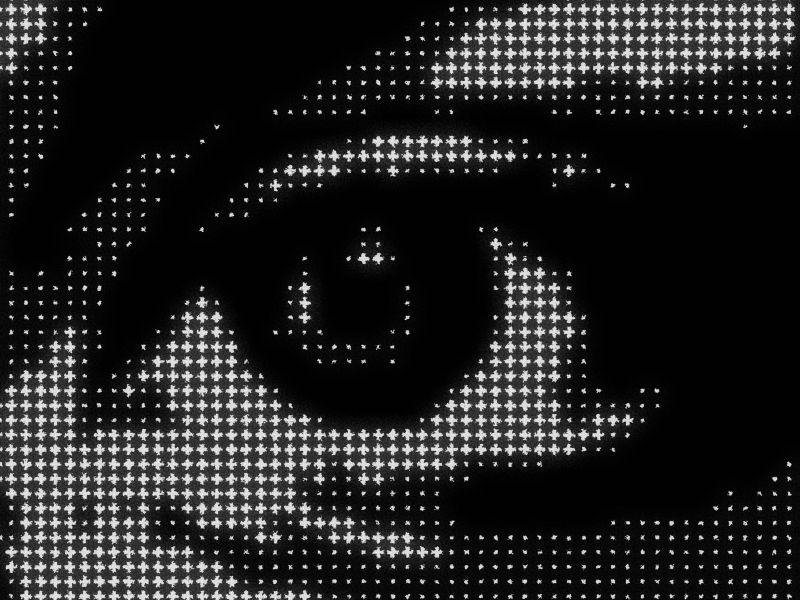
Halftone
Classic halftone dots and cross patterns. The look of print production, built for digital design.
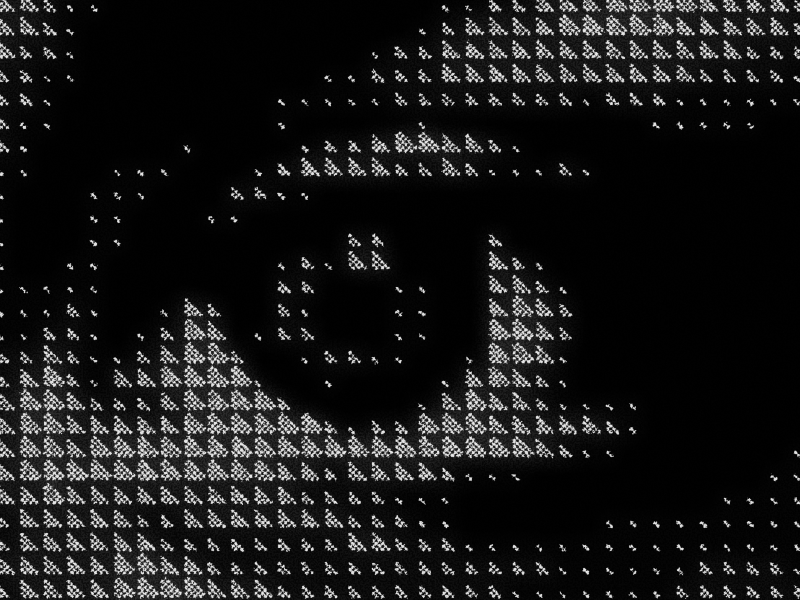
Bitmap Patterns
Checkerboard, lines, crosshatch, stipple, and brick. Textured effects that feel printed.
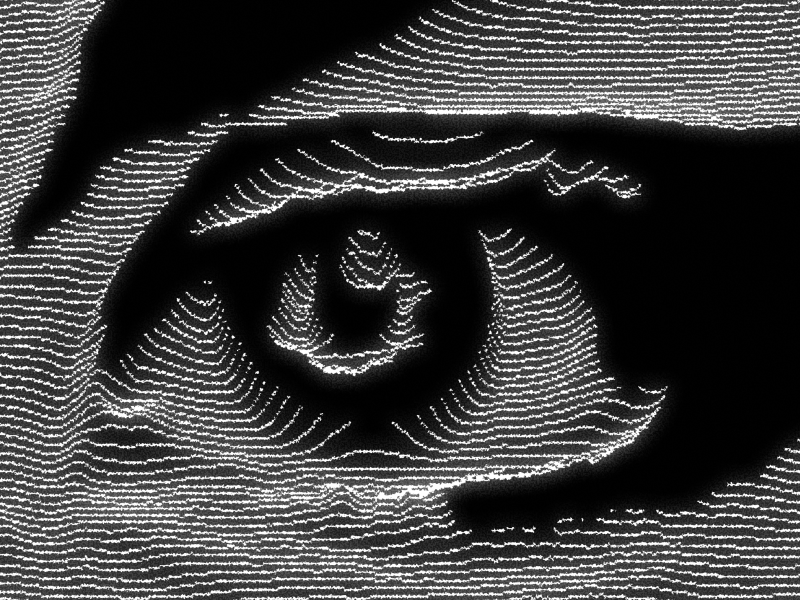
CRT & Scanlines
Horizontal, vertical, and diagonal modulation. Instant screen-glow nostalgia.
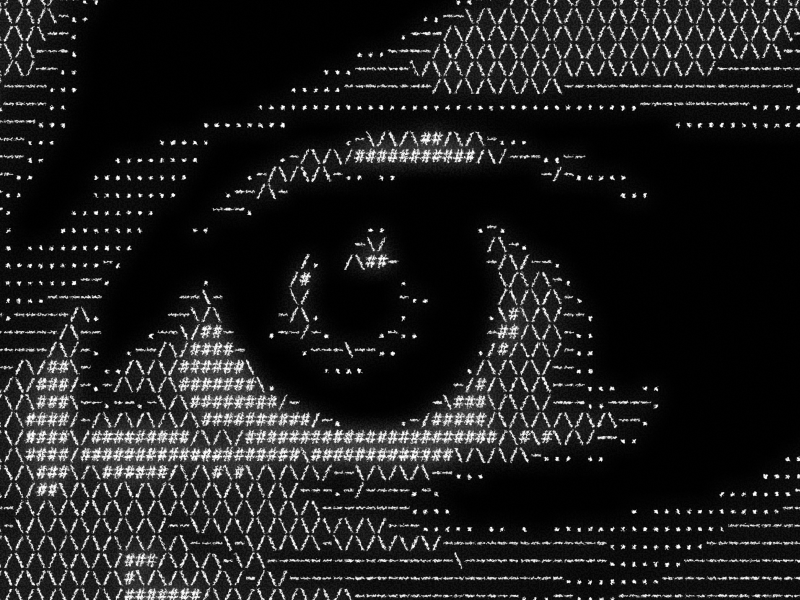
ASCII Art
Density, blocks, binary, X-pattern, and slashes. Turn any image into character-based art.
Stop round-tripping to Photoshop for a single effect.
You find the perfect reference — a dithered editorial spread, a halftone poster, a retro game aesthetic. Then reality hits: export from Figma, open Photoshop, apply the effect, flatten, re-import, repeat every time the art director changes the source image.
DitherFX keeps the entire process inside Figma. Select an image, pick an algorithm, adjust settings, apply. No file exports. No context switching. No re-doing work when the image changes.
Select. Adjust. Apply. Done.
The entire workflow takes seconds — no documentation needed:
- Select — click any image on your Figma canvas.
- Adjust — choose from 30+ algorithms, dial in brightness, contrast, gamma, and blur. Preview updates in real time.
- Apply — the dithered image appears on your canvas, ready to use. Your original stays untouched.
Why use a Figma plugin instead of external tools?
Online dither generators require you to upload, process, download, and re-import — every single time. Photoshop workflows mean exporting, switching apps, and losing your place in the design file. Both break the moment your source image changes.
DitherFX runs natively inside Figma. Your images stay on the canvas, your layers stay organized, and your workflow stays uninterrupted. It's also the only Figma dither plugin that exports to SVG — so your effects scale to any size without pixelation.
Built for your workflow.
Real-time preview
See exactly what you're getting before you commit. No guesswork.
Compare mode
Original and dithered, side by side. Toggle instantly.
Unlimited presets
Lock in your favorite looks. Reuse them across every project.
Full adjustments
Brightness, contrast, gamma, blur — dial everything in before you dither.
PNG + SVG export
Raster or scalable vector. Your call.
Tritone colors
Go beyond black and white. Map custom colors to your dither output.
Start free. Go Pro when you're ready.
$0
- 5 core algorithms
- Full image adjustments
- PNG export
- Unlimited personal & commercial use
$49 $25
- 30+ algorithms — all categories
- Full image adjustments
- PNG + SVG export
- Unlimited presets
- Tritone color mapping
- Compare mode
- Unlimited personal & commercial use
Whatever you're designing next.
Who is DitherFX for?
Graphic designers creating editorial layouts, album art, and poster designs use DitherFX to add halftone textures, grain, and retro effects without leaving Figma or flattening their layers.
Brand and identity designers use ordered dithering and bitmap patterns to build textured visual systems — from packaging to web — with consistent, reusable presets across every touchpoint.
Social media designers and content creators transform stock photos and product shots into scroll-stopping graphics with CRT scanlines, ASCII art, and halftone effects that export cleanly at any resolution.
Students and hobbyists experimenting with pixel art, retro game aesthetics, and generative design use the free version to learn dithering fundamentals — and upgrade to Pro when they need the full algorithm library.
FAQ
How do I install DitherFX?
Does it work in Figma's browser version?
What's the difference between Free and Pro?
Can I use DitherFX for client work?
How does the license key work?
Can I get a refund?
Transform any image. Inside Figma.
30+ algorithms. Real-time preview. SVG export. No round-trips.
Get DitherFX Pro →